

GCrafter Features: Where Digital Precision Meets Your Dusty Workshop
Welcome to the toolbox you didn't know you needed. GCrafter brings the precision of digital design to your woodworking without requiring an engineering degree or sacrificing your weekend to learn yet another complicated piece of software. Think of it as the digital equivalent of that perfectly tuned hand plane – simple enough to pick up immediately, but powerful enough to transform your projects. Below you'll find our feature set, which we're expanding faster than your collection of "necessary" clamps.
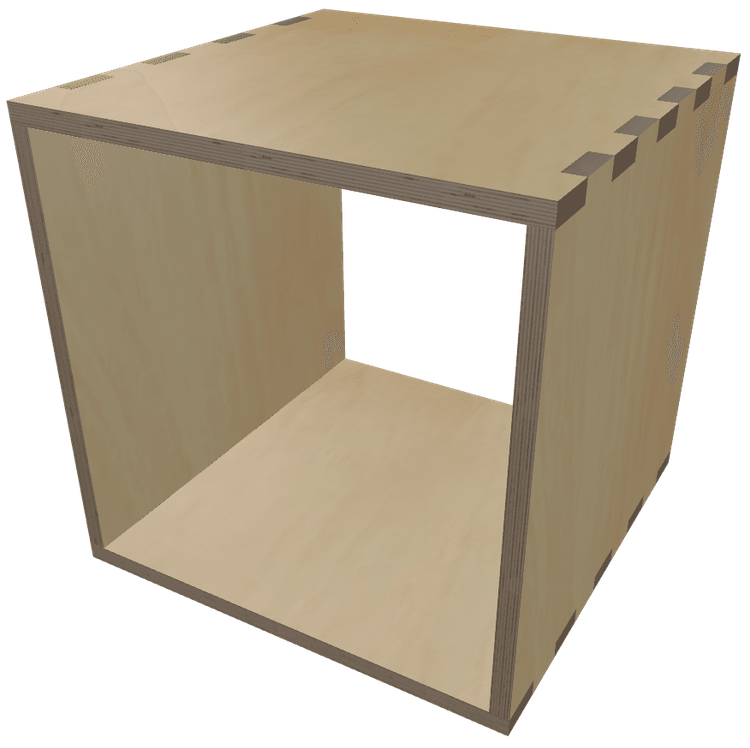
Create a box—your way.
Adjust the dimensions. Toggle parts on or off. Don’t need a front? Prefer it open in the back? Just disable those panels and build exactly what you need.
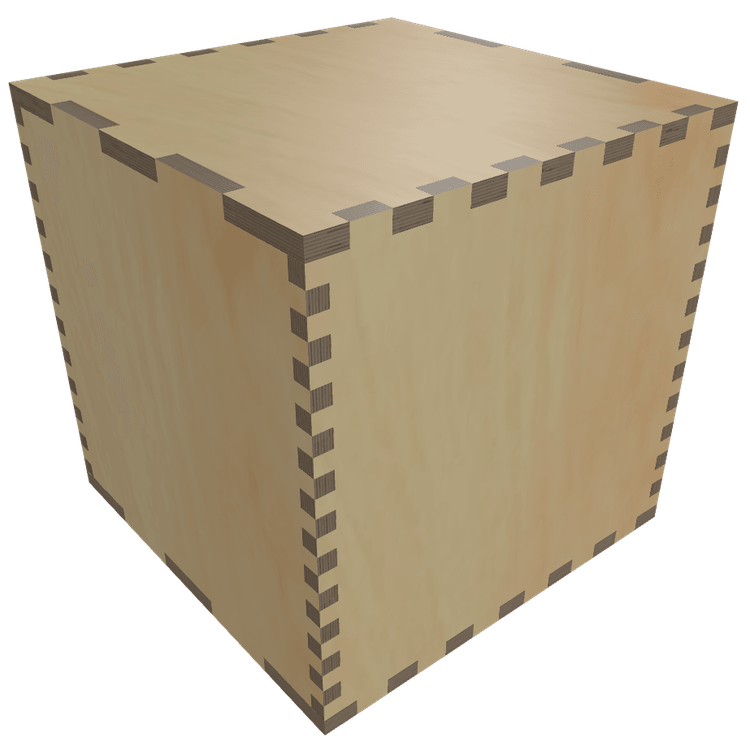
Finger Sizing
Finger/box joints can be a pain, but GCrafter makes them a joy—really. Instead of locking you into one-size-fits-all fingers like most tools do, you get to tweak them independently for width, height, and length. You can even make them zero to create dados rather than finger joints. It’s like giving your box a custom manicure.
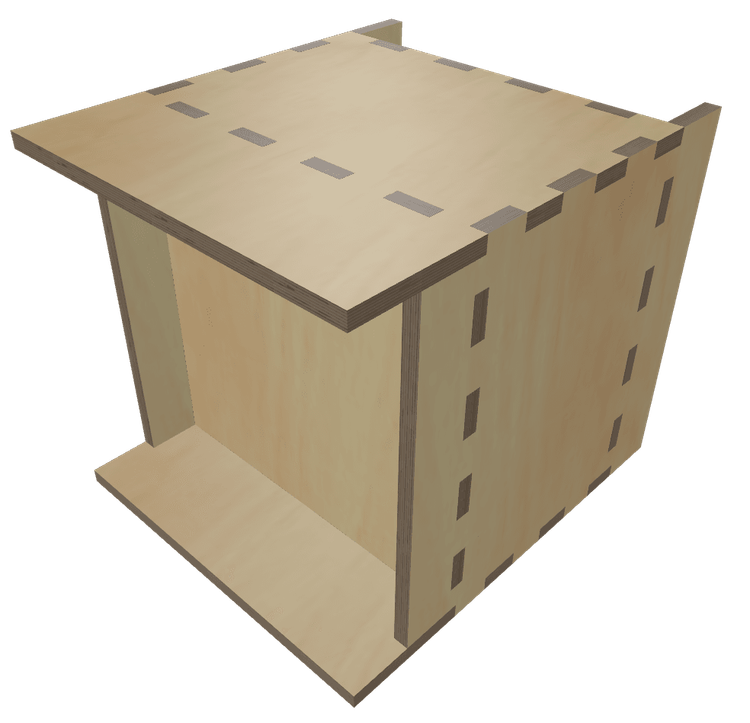
Part Positioning
Want to break out of the boring box? GCrafter lets you nudge, slide, and shift parts like the bottom, back, or sides so your design stands out. Move the bottom up, pull the back in, slide the sides forward—your box, your rules, your signature look.
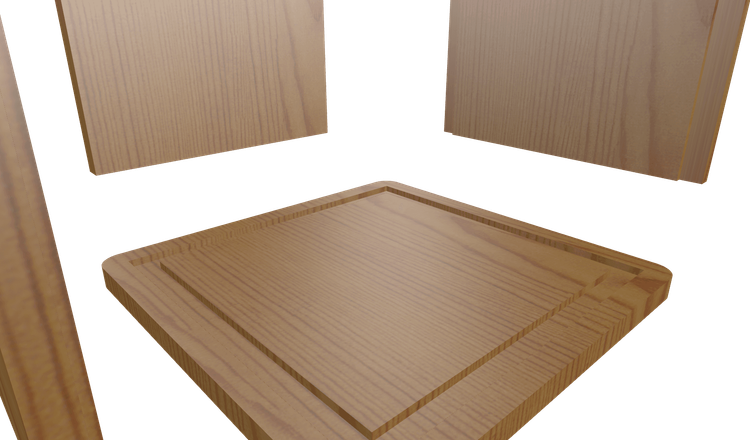
Pockets
Because you can move all the parts of your box independently (up, down, left, right, forward, and backwards) you can create shallow areas where the fingers settle inside, rather than poking through. It's the small details that add up to something way out of the oridiary.
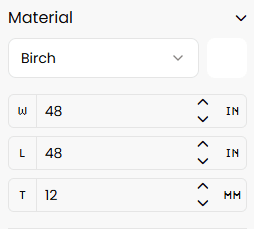
Material Size
No matter your machine—12"x16, 30"x30", 2x4, 4x4, 4x8, or even a beastly 5x10—GCrafter's got your back. It automatically lays out your parts to fit the sheet size you're working with, so you can focus on cutting wood, not corners.
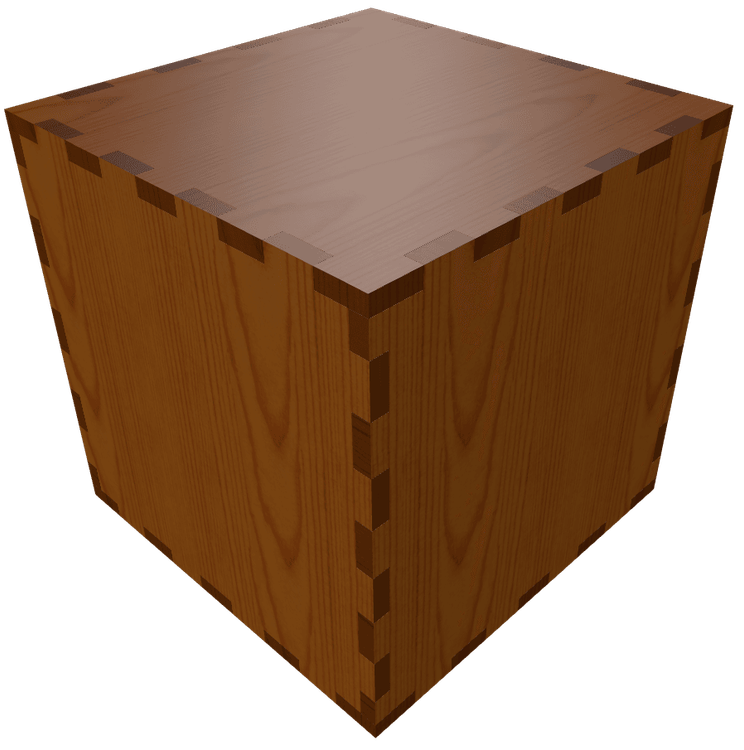
Material Preview
See it in the wood you’ll actually use. Swap Baltic birch, walnut, cherry, carbon fiber. End grain included. Add stains, paint. This is the piece, not a gray CAD mass.
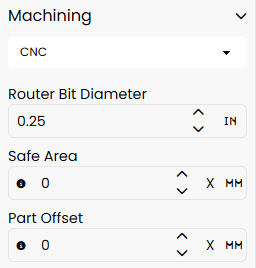
Machine Settings
Whether you’re using a CNC router, laser cutter or old schooling with a table saw and a router, GCrafter speaks your language. Flip on dogbones for snug CNC fits, dial in beam tolerance for crispy laser cuts ajust kerf with for your favorite table saw blade—it’s all built in. Got different machines for different parts? No problem. Mix, match, and output each one with the settings it needs.
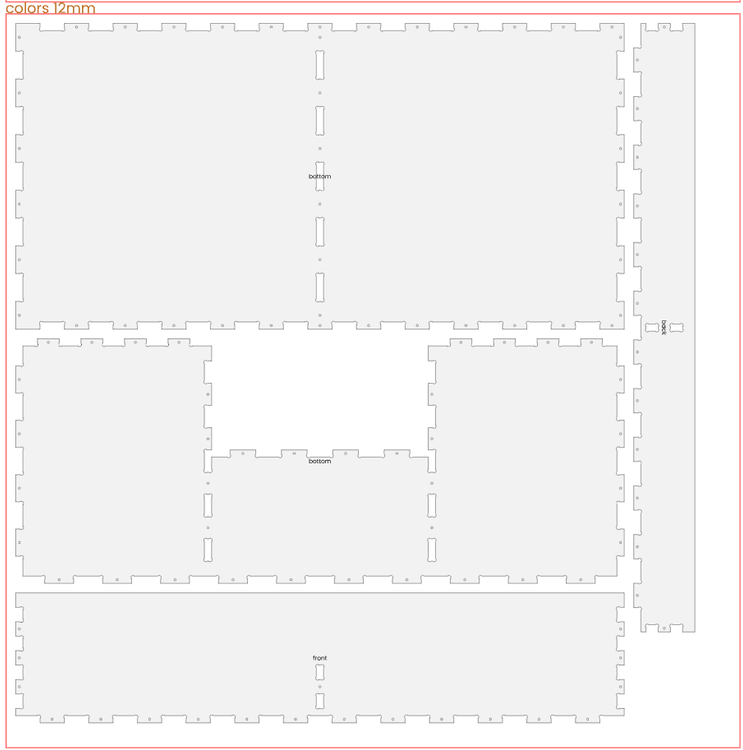
Smart, Packed, Layouts
Why waste space? Our Multipacker is a box-packing genius—it squeezes the rectangles from your project onto sheets like Tetris on caffeine, leaving you with less scrap, more savings, and zero headache.
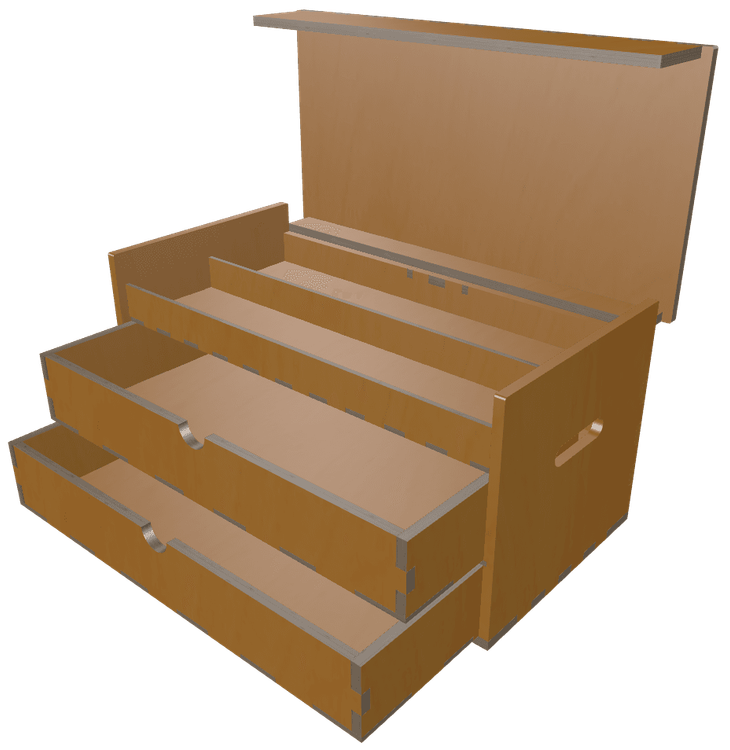
Animated Openings
Bring your designs to life! Rotate individual parts or group elements for coordinated movement. Create complex structures beyond simple boxes—then watch them open, transform, and move with fluid animation.
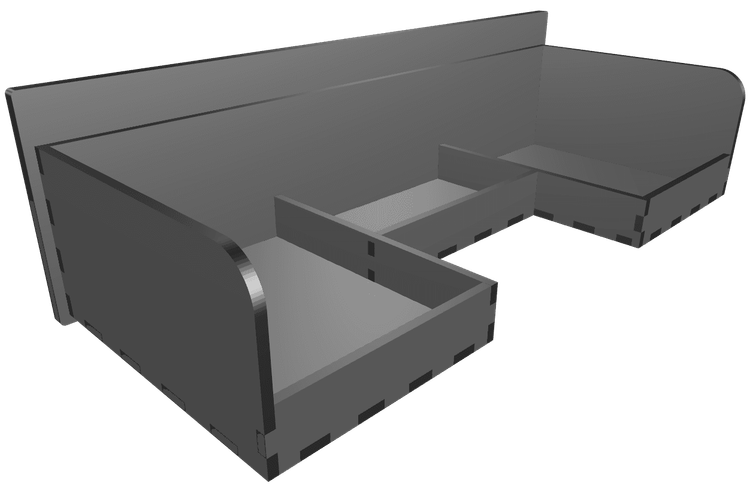
Custom Part Sizing
With GCrafter Free, you get six parts, sized to the over all project dimension. With Pro, that limitation disappears. Customize the width, height, and thickness, along with whole host of other settings that only a part, waiting to become something more, can apprecitate.
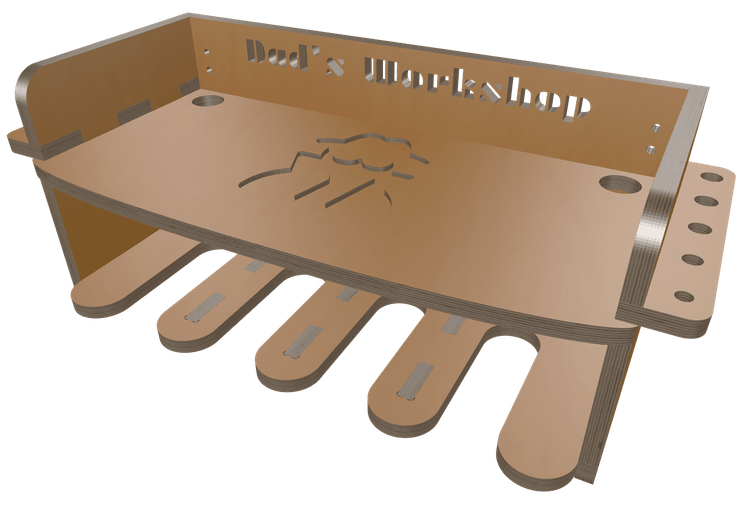
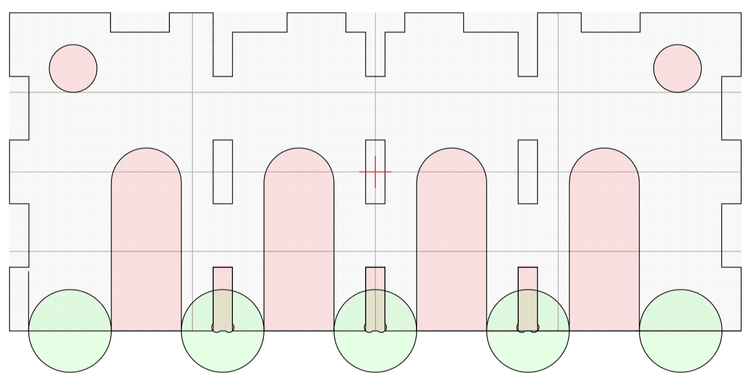
PartLab
ParLab is where a square part becomes whatever shape you want that part to be. Need a triangle or an octogon? A curved leg or a pocket to inset a hinge? Or easily upload your own SVG artwork to transform it into unique cutouts or pockets, taking your designs far beyond the ordinary. Let your projects show off your one-of-a-kind style!
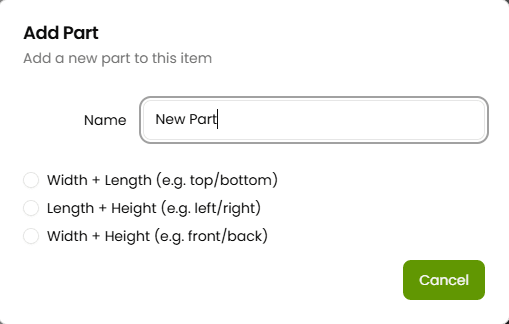
Add or Duplicate Parts
Who said a box has to stop at six sides? With GCrafter, you can toss that rule out the window. Add internal walls, exterior shells, extra supports, or dividers—whatever your project calls for. If you can dream it, you can duplicate it, remix it, and make it yours.
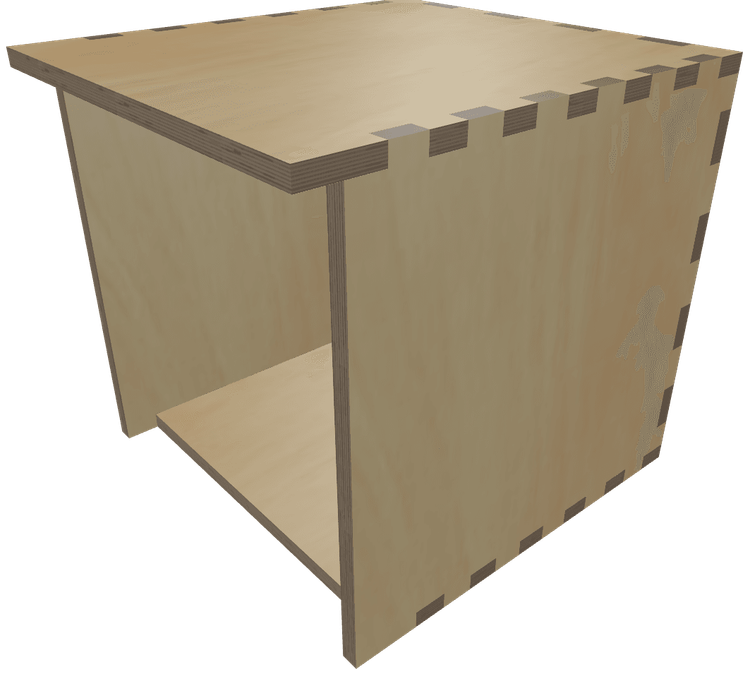
Edge Modification
With GCrafter, you can extend or shrink one or more edges of any part. Extending an edge makes an overhang. Shrinking an edge, can create anthing from an opening at just the right spot, to a pocket or rabbet cut. A little push here, a subtle pull there—and suddenly, it’s not just a box, it’s your signature.
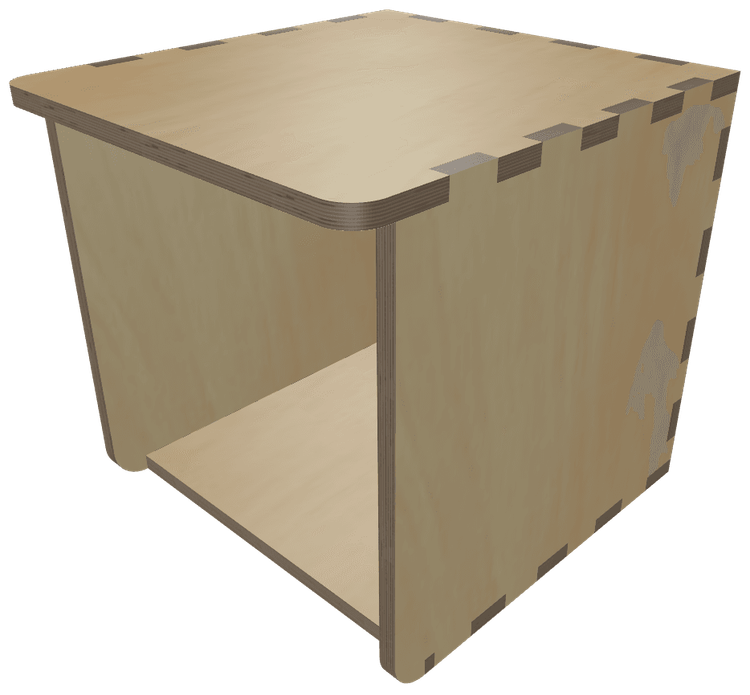
Corner Radius
Corner radius... on a box? Absolutely. When you pair it with edge modifications, you’re suddenly sculpting instead of stacking. Add a curve here, smooth an edge there, and bam—your “box” becomes a bold, modern form that feels as good as it looks. It’s not just smooth—it’s slick.
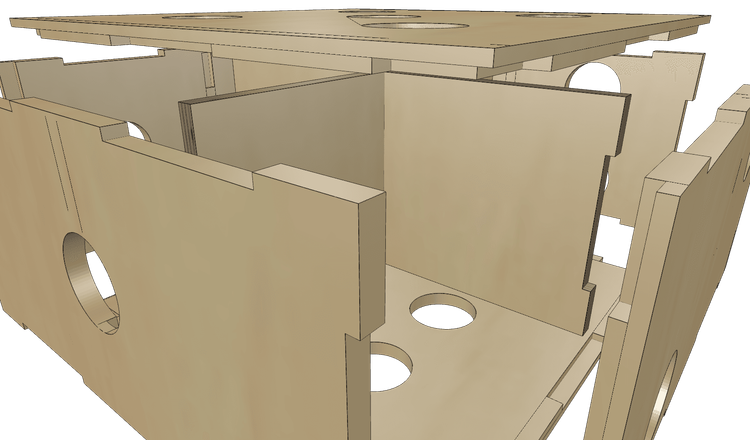
Advanced Pockets & Joints
Take your jointery to the next level. Blind joints for a bottom drawer panel, inset joints for the edges, mitres for a crispy corner, puzzles together large parts from smaller parts, flip finger orientations (from in to out) to get just the fit you are looking for. Mix and match fingers and you can checkbox your way to a cubed masterpieces. Or, just pull in an edge a touch and GCrafter will set up all the pockets for you easy peasy.
Multi-Box Boxes
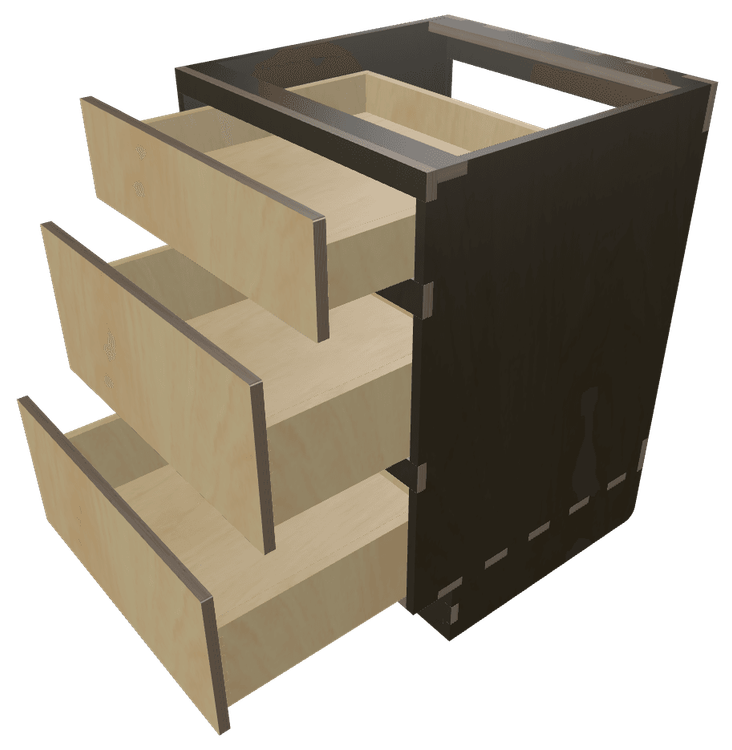
Why stop at just one box when you can go full inception? gCrafter lets you build boxes within boxes—drawers inside cases, compartments inside drawers, all perfectly aligned and ready to slide, snap, and satisfy. Visualize the full setup, test the fit, and bring your storage dreams to life like a nesting-doll wizard with a CNC.
Part Rotation
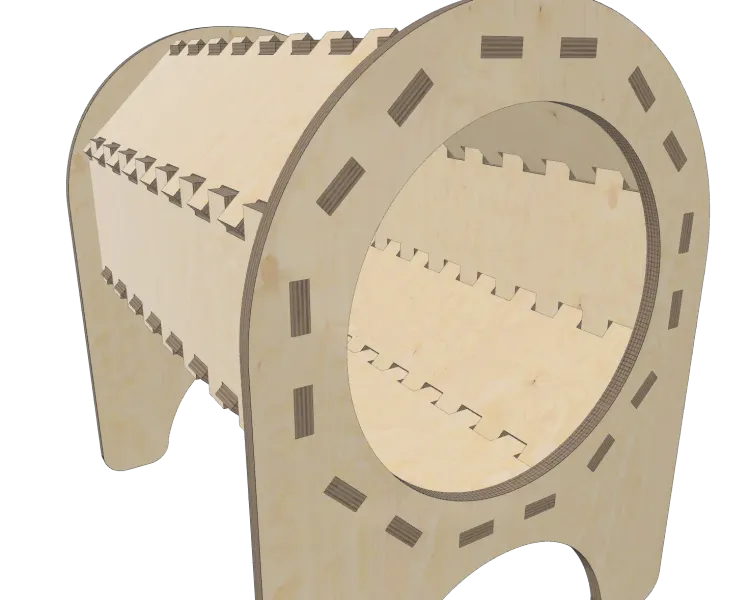
Because apparently doing finger/
Rotating box joints: who does that?
Answer: you do now. And honestly, we respect the chaos.
Slots & Dividers for Assembly
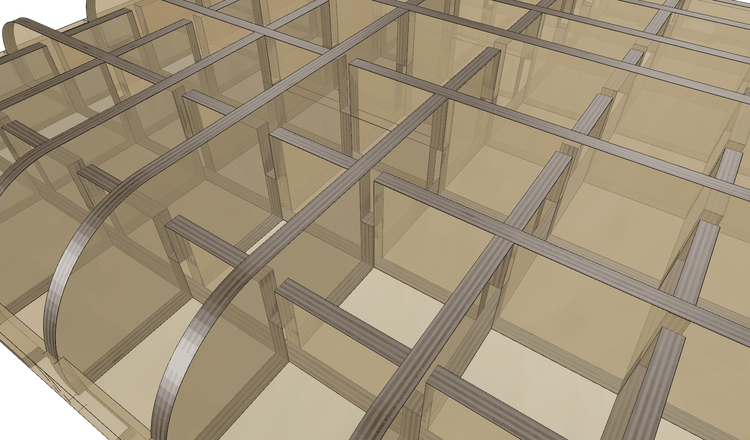
Assembly headaches? Not on GCrafter's watch. When two parts threaten to collide mid-build, slots come to the rescue—extending finger joints just enough to make everything slide into place like it was meant to. It's the little detail that makes the big difference between almost works and clicks together perfectly
Thickness By Part
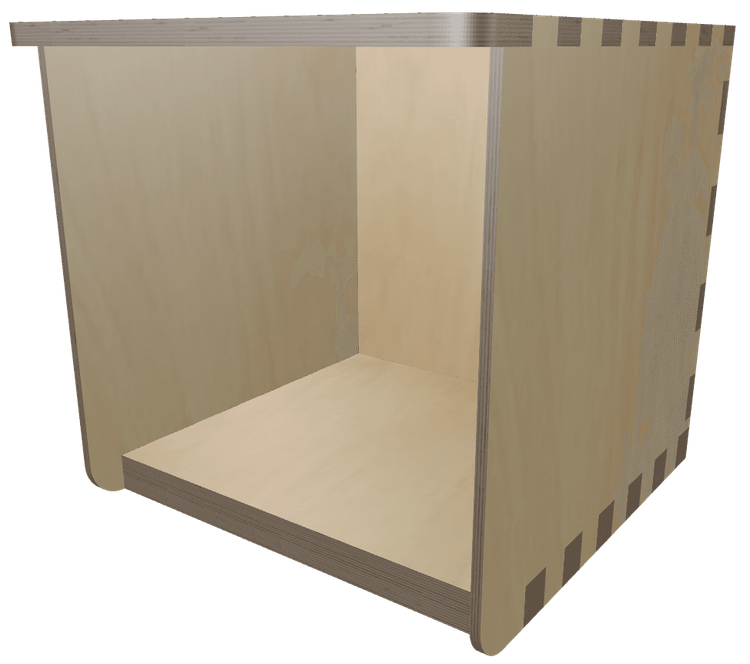
Different parts, different thicknesses, no problem. GCrafter lets you mix materials like a pro—6mm back, 18mm bottom, 12mm front? Go wild. CAD makes that a headache; we make it a checkbox.
Advanced Layout (beta)
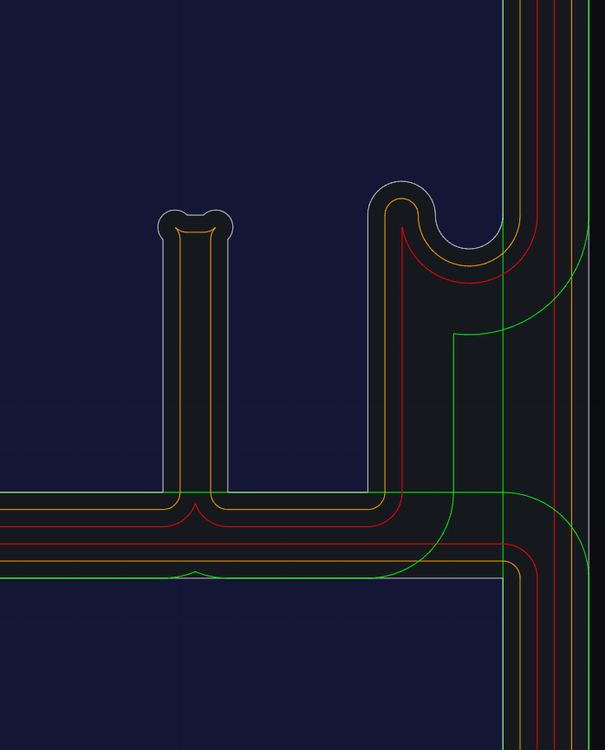
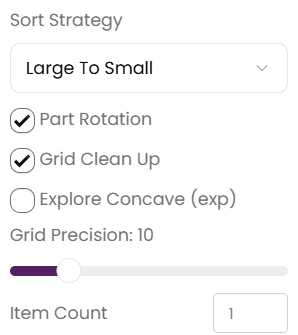
Push the limits of what will fit on your sheet. With "Advanced Layout ", you can adjust the number of items you would like to make. And with the new layout tools, you can rotate, align, and move parts (even to to another sheet). Colored outlines show safe areas vs cut areas. No more oops, that part was perfect until the router cut into it cutting another part.
PhotoStudio
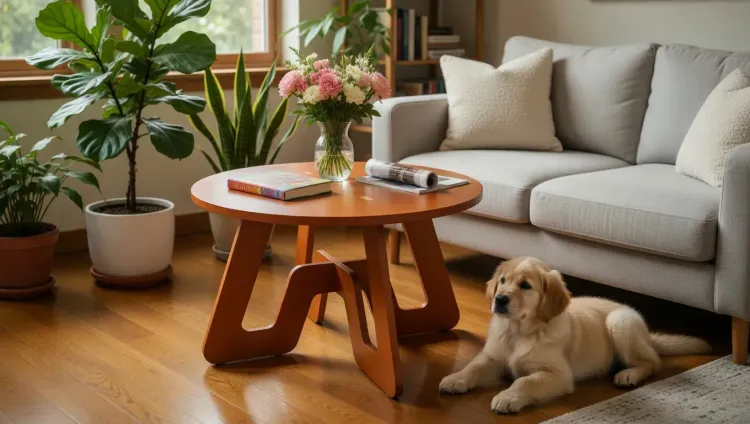
Take your designs next level with AI image generation right inside Gcrafter. Snap a screenshot, come up with a prompt, or use the prompt builder and suddenly that coffee table is right in a living room. Check out the image gallery, to see what kinds of images you can create.
*Image generation costs $0.05, $0.15 or $0.20 each, depending on resolution and AI model.
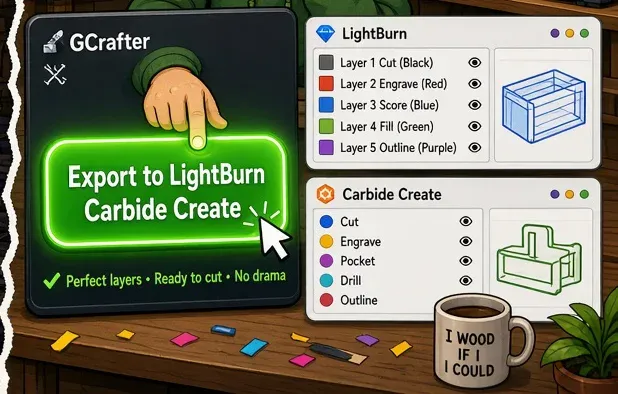
Native LightBurn, MillMage, and Carbide Create export
Export a file your machine software already understands — layers, tabs, layout included. Change the design, export again. Stop rebuilding the job by hand.
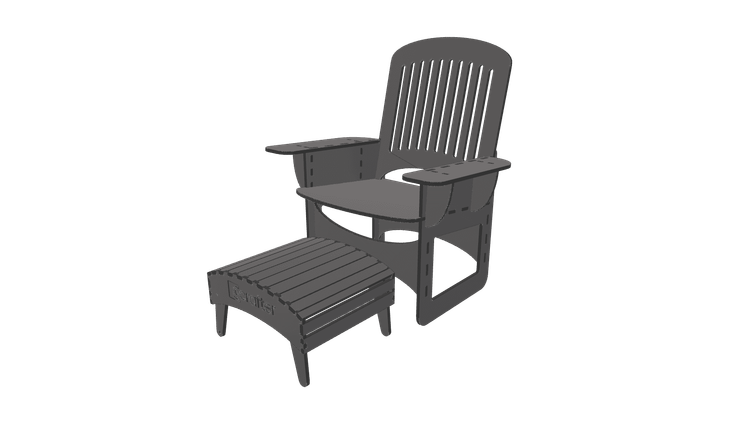
3D Export
I know lots of you makers didn't stop at one machine. Got a 3D printer sitting in your workshop in need of a mission? With GCrafter pro you can export 3MF, GLTF, OBJ, or STL files. Import them into your slicer, scale them to fit the bed, and find out if you like your design in cheap plastic before cutting expensive wood.