

Browser-Based 3D Design for CNC, Laser, and the Saw
Design the Object and the Joints. Export Parts Your Machine Can Cut.
Start from a box or a library project. See the assembled piece in 3D — fingers, dividers, real material. Pack the sheet and export to LightBurn, MillMage, Carbide Create, or SVG/DXF/PDF.
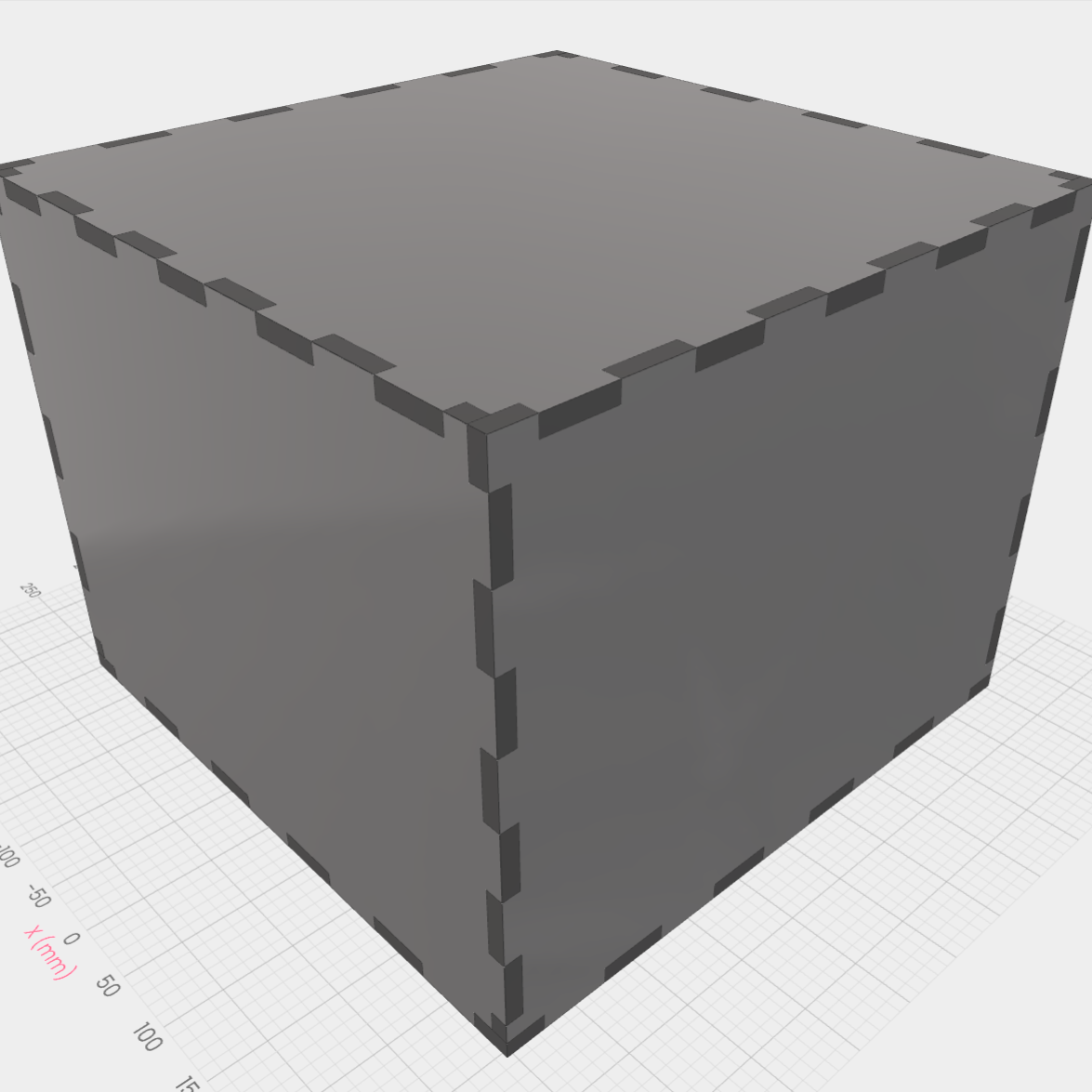
Box
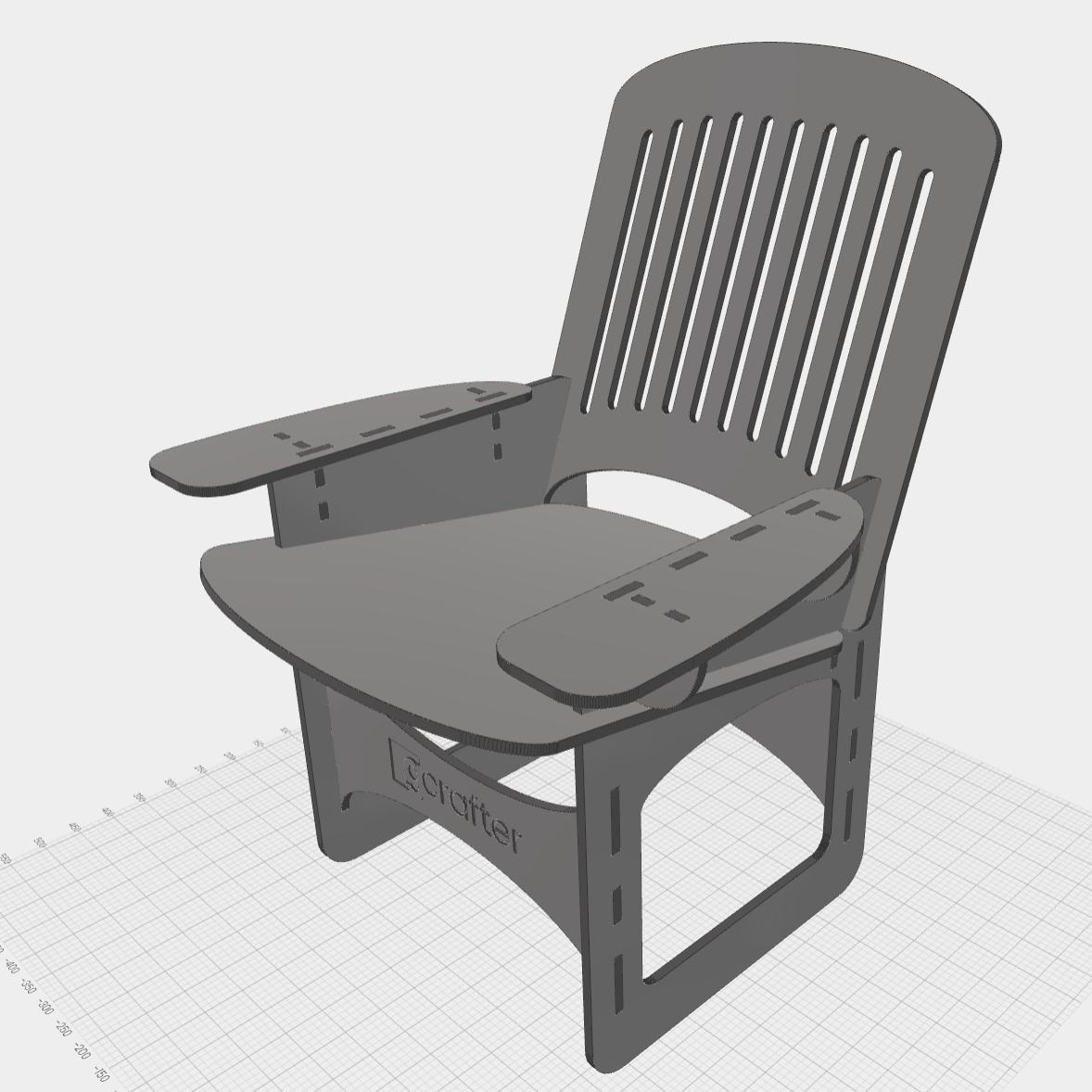
Object
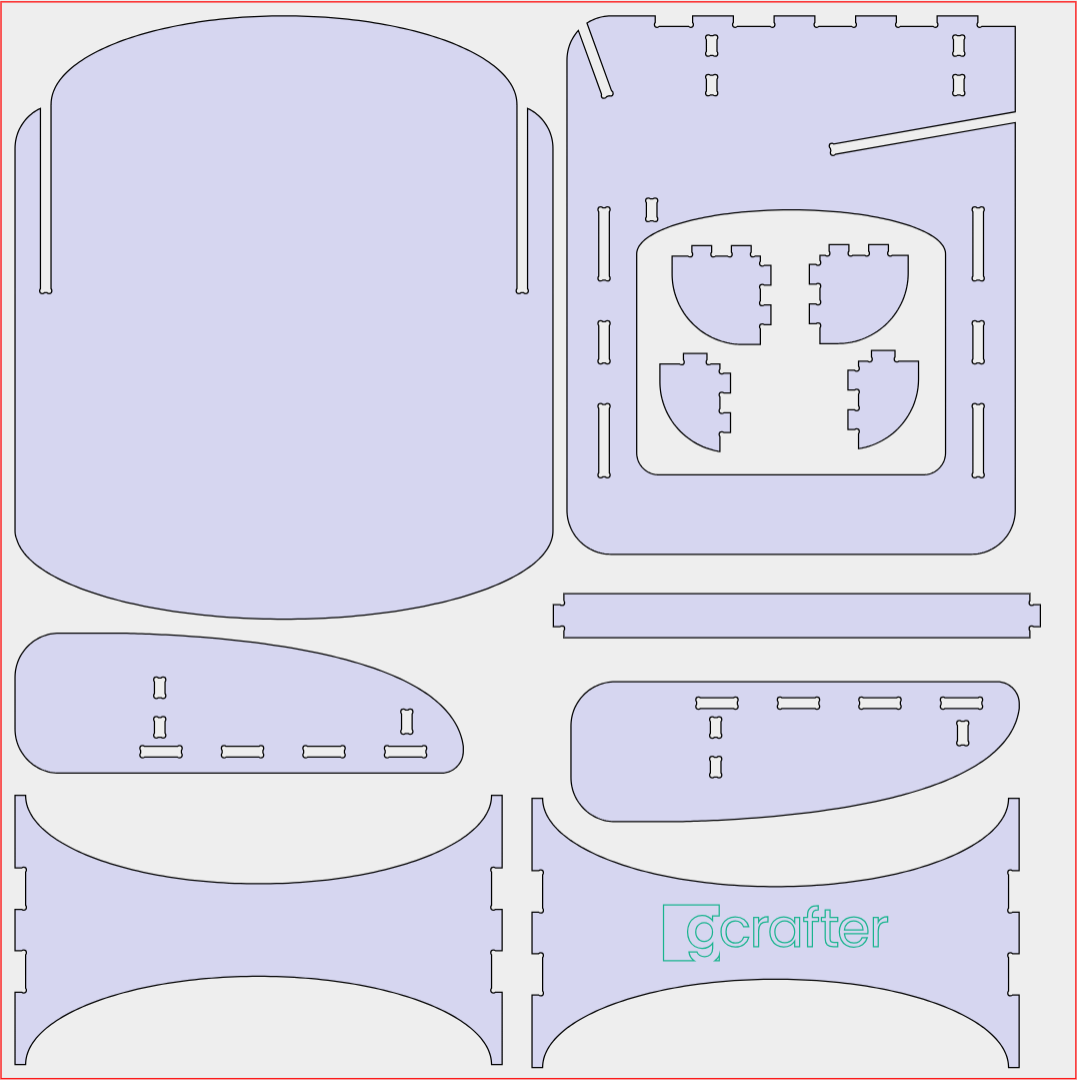
Layout
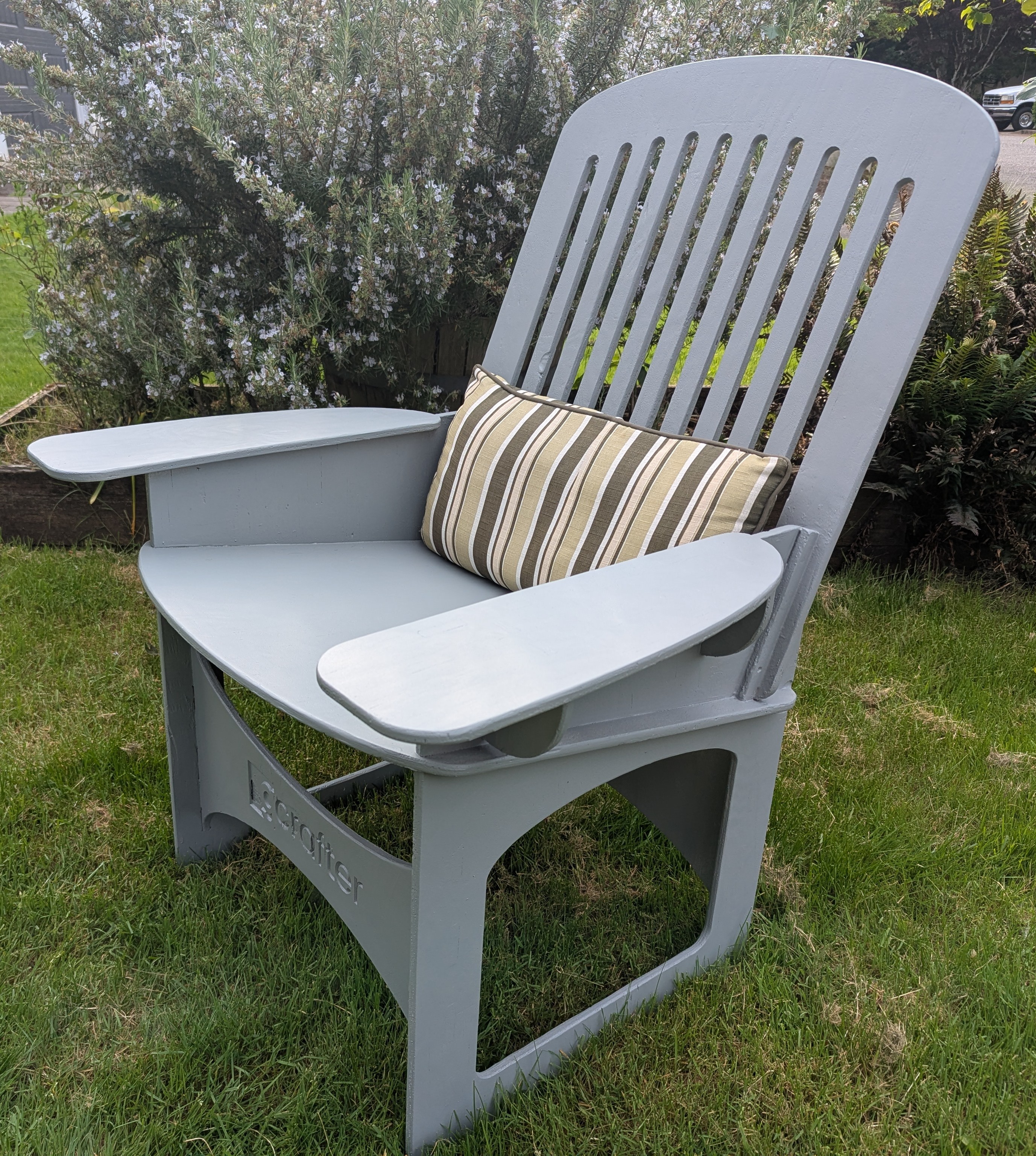
Thing in the World.
Get Started with Just a Few
Easy Steps
From first project to first cut file, GCrafter keeps the process simple.
2
Set the Basics
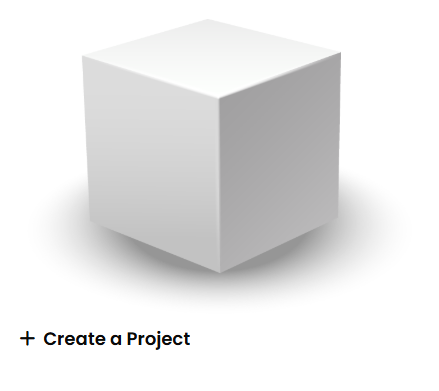
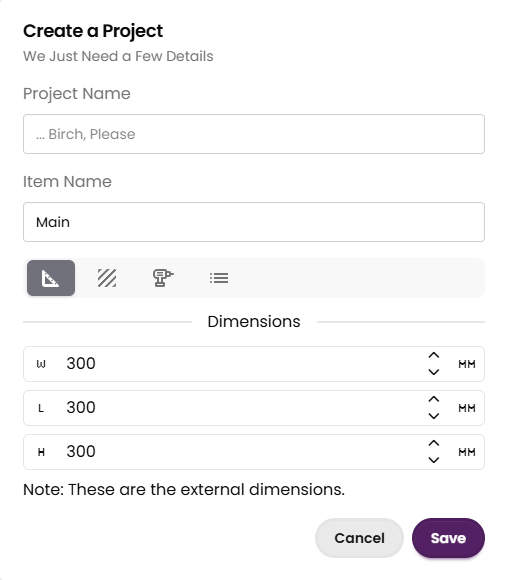
Give it a name. Choose your workflow. Set your units (sigh, yes we use inches). Set your stock size. A drama free experience.
3
Start with a Box. Then Make It Yours.
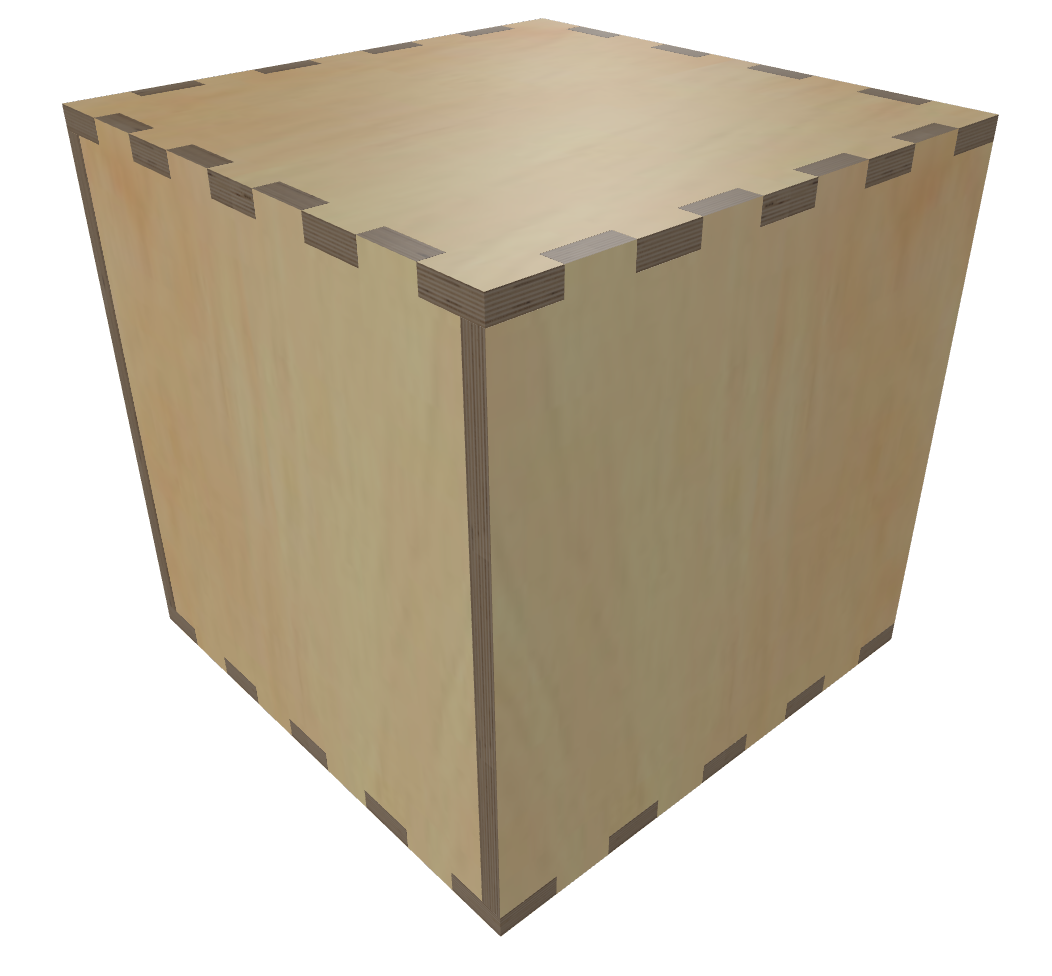
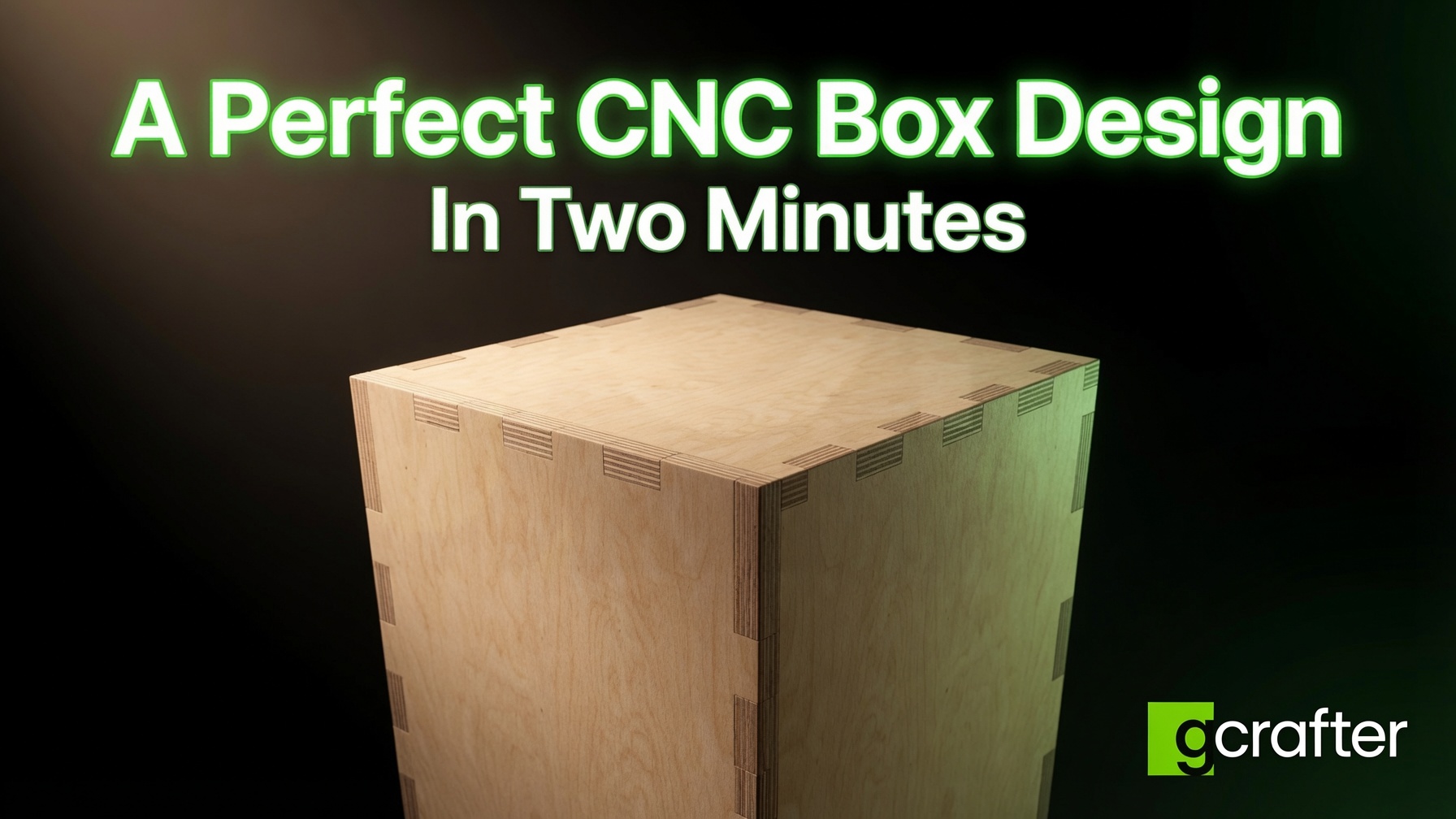
Think of it the box as the woodworking equivalent of a lump of clay. It's either a starting point, or the point. Adjust dimension, finger sizes, reposition parts, or reshape the whole design into something completely custom. Start simple, then go a little mad scientist if you want.
4
Export and Get to Cutting.
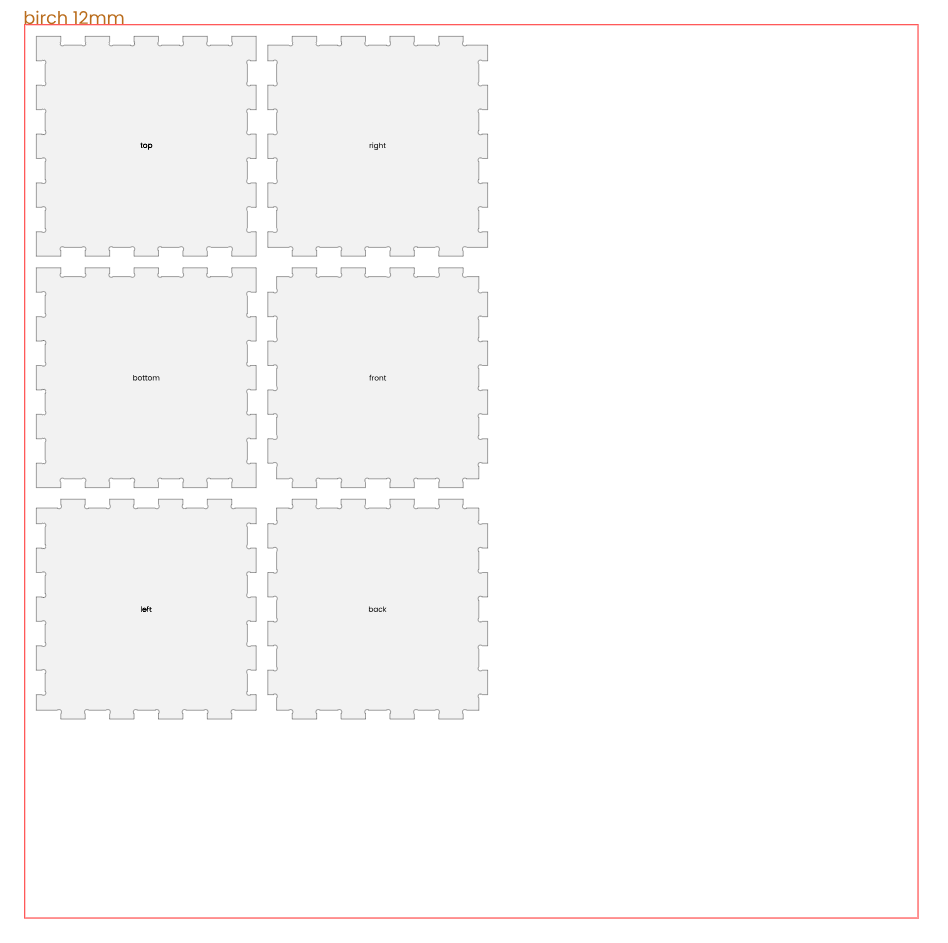
GCrafter lays out your parts efficiently on a sheet sized for your machine, material or workflow. Tweak layout and output settings, then export to LightBurn (.lbrn2), Carbide Create (.c2d), MillMage (.mage) or SVG / DXF for your CAM workflow. With SVG/DXF export, use tools like Vectric, Carveco or Easel to do the final finish. Or print out the plans, tape them to the wall, and get the sawdust flying.
5
Go Beyond the Box
In GCrafter you treat "the box" as a starting point, not a limitation. Change dimensions, add parts, rotate parts, change sizes, fingers. Use the PartLab design tool to reshape parts; add features, cut things away, and transform the design into something entirely different. Boxes are a great starting point. The first thing I ever cut on my CNC was a box. But, when you're ready to move beyond those six sides, pro provides the pathway to make your designs next level.
Why GCrafter?
Most CAD can technically do a joinery.
Then you change one dimension and spend the afternoon fixing it.
Save the afternoon.
In Fusion, a size change means reworking joints, dogbones, and clearances, then hoping it still fits. In GCrafter the joinery is the model. Change the height, the finger count, the part position — the joints come with it.
Save the sheet.
Plywood is the expensive part. GCrafter only produces what a 2D machining process can actually cut: profiles, pockets, dados, laps, rabbets, mitres, mortisse and tennon. Exported parts are accurate to a thousandth. You stop discovering the mistake after the bit has already spent the Baltic birch, the laser has already burned the acrylic, or the fence was a sixteenth off and the whole run is scrap.
Shape in space. Cut on a sheet.
Most CNC, CAD, or Illustration software keeps you drawing flat and hoping it becomes a thing. GCrafter lets you stay on the thing.
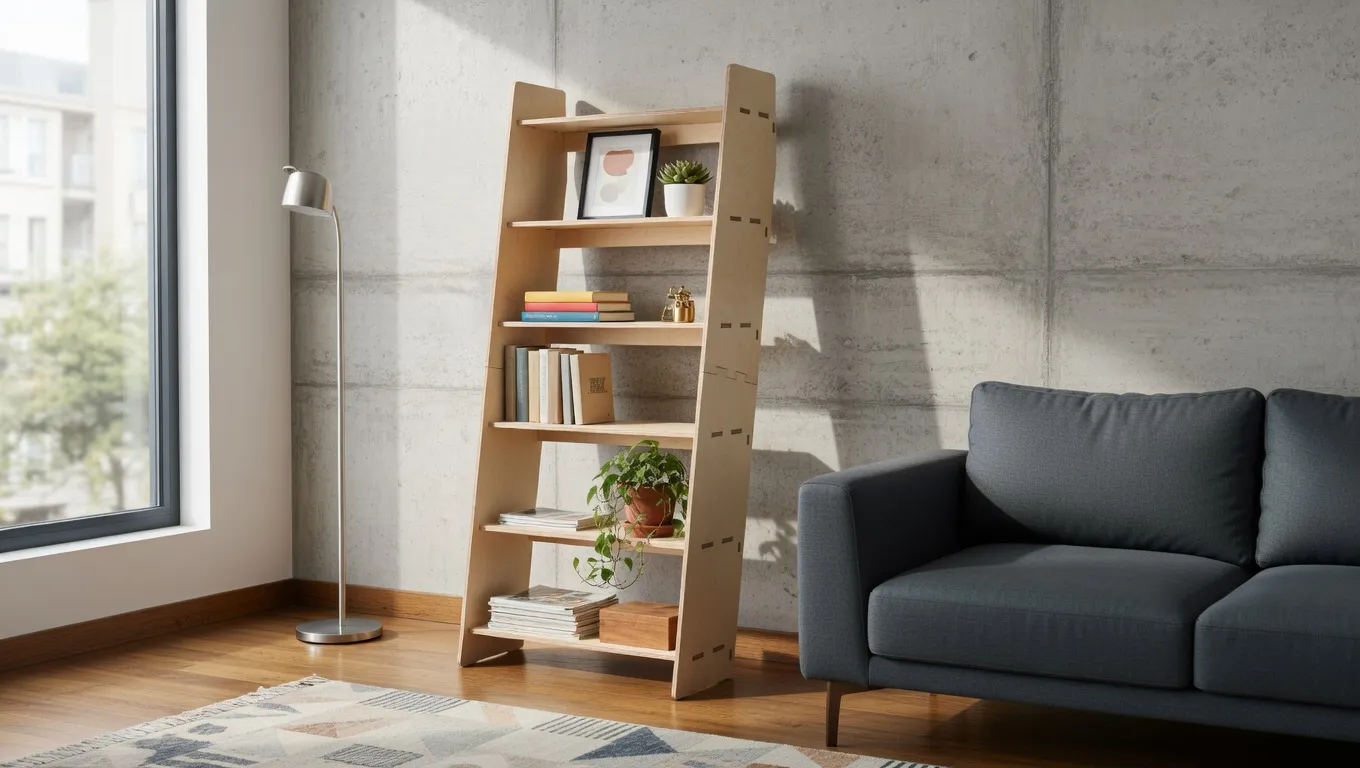
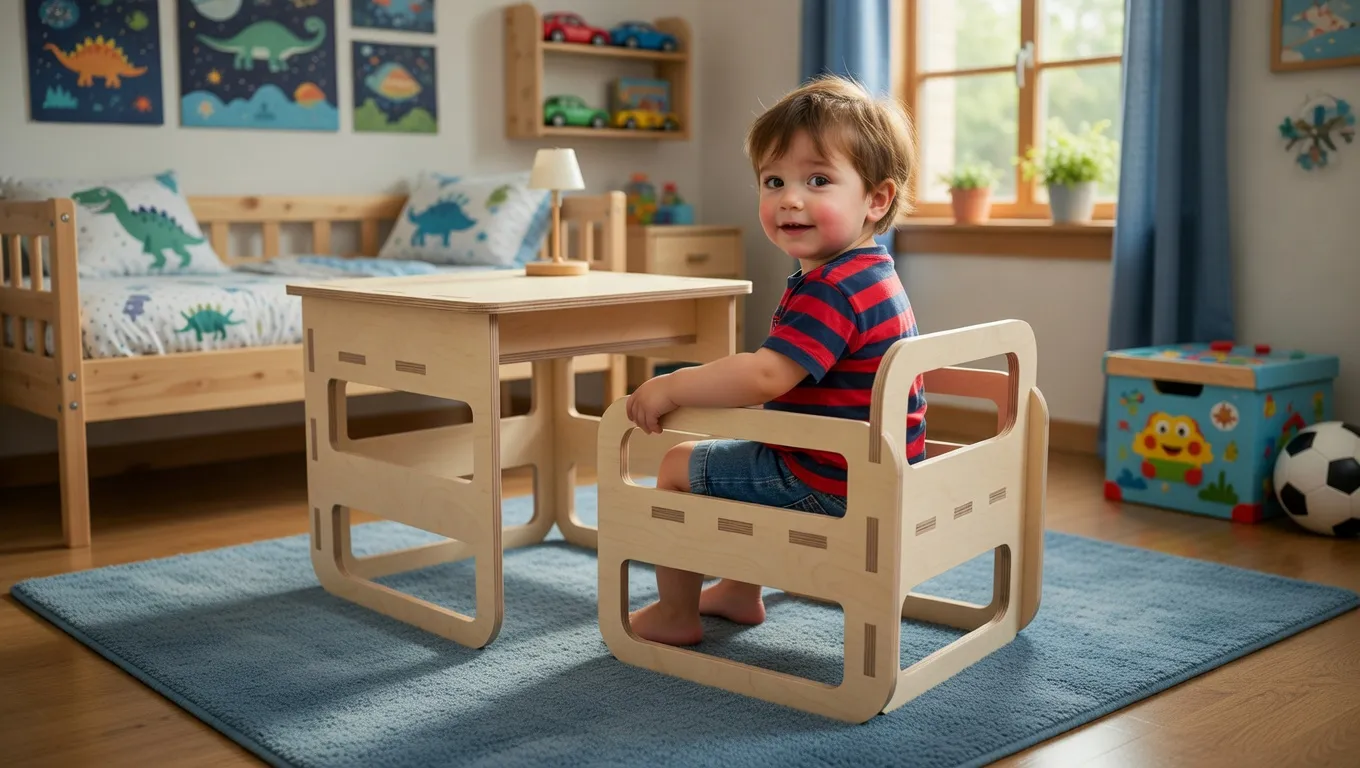
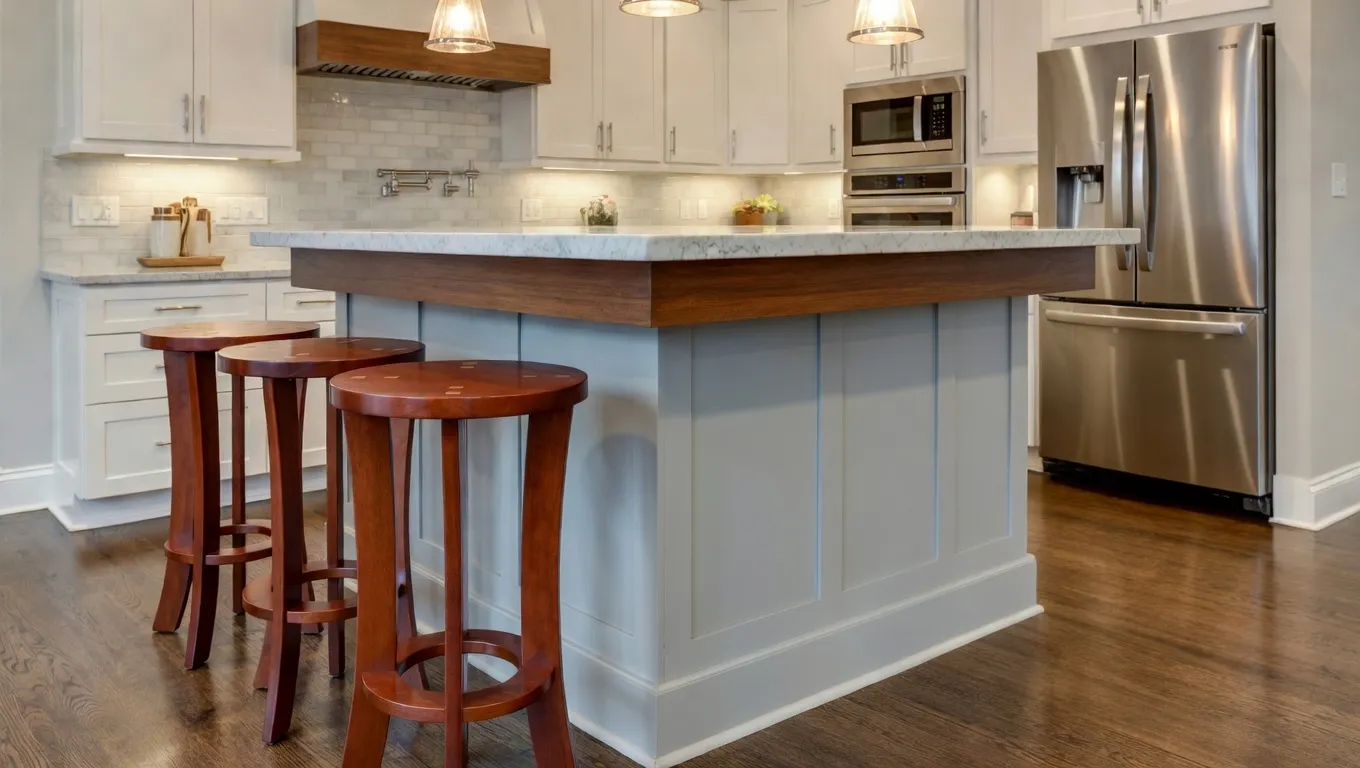
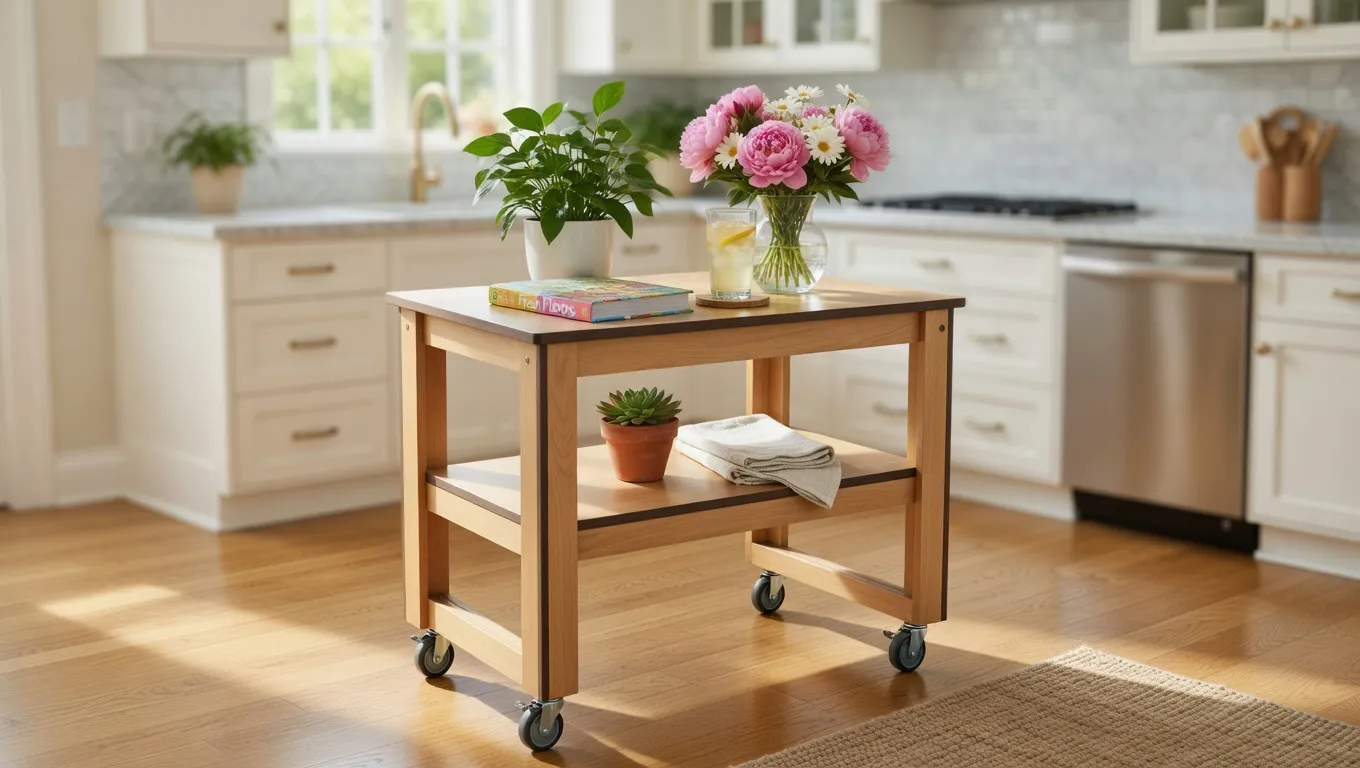
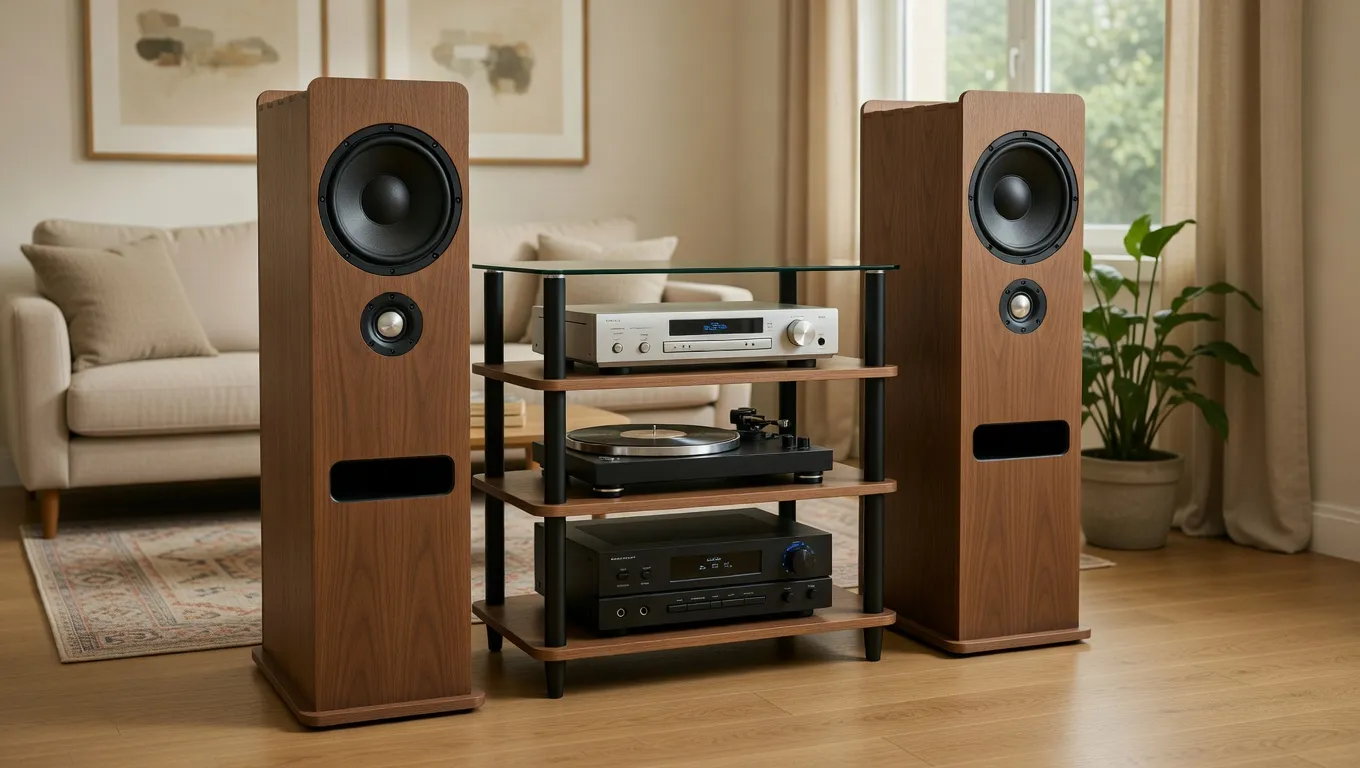
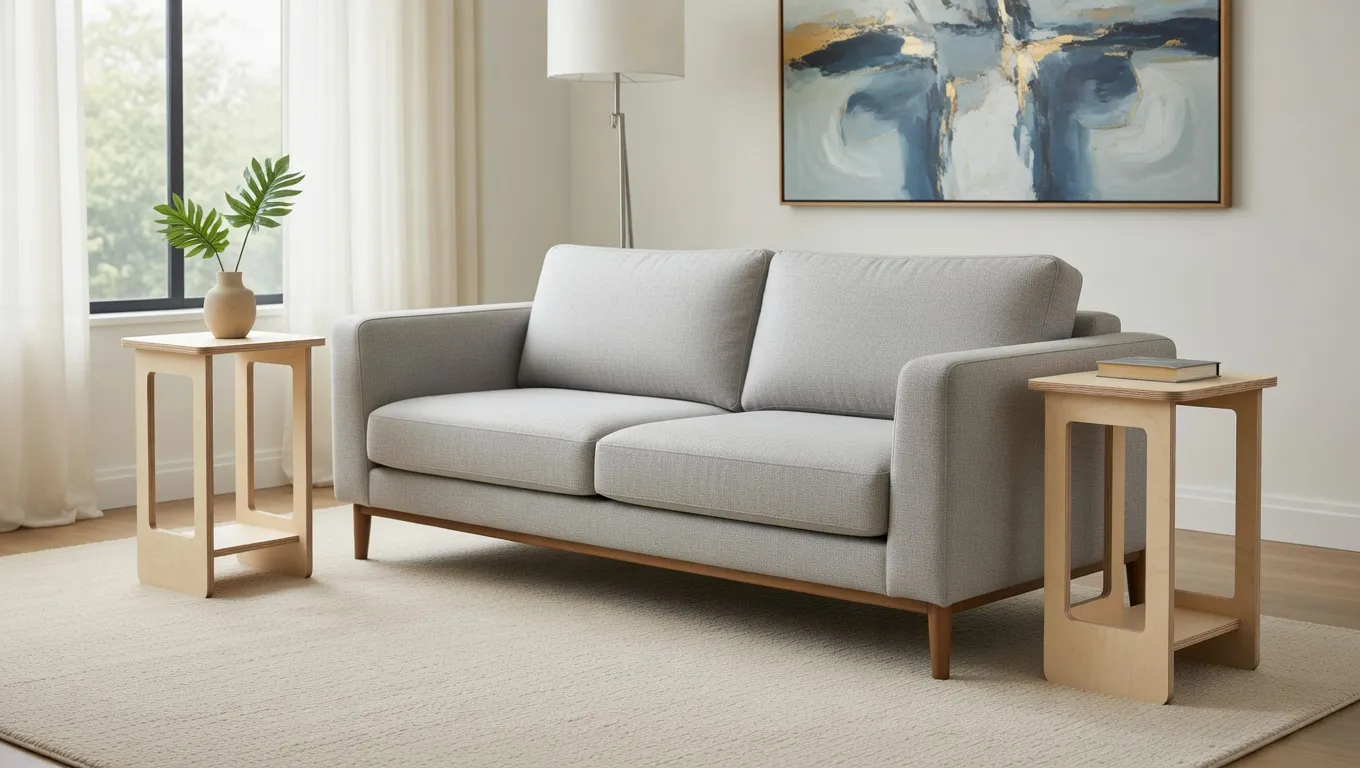
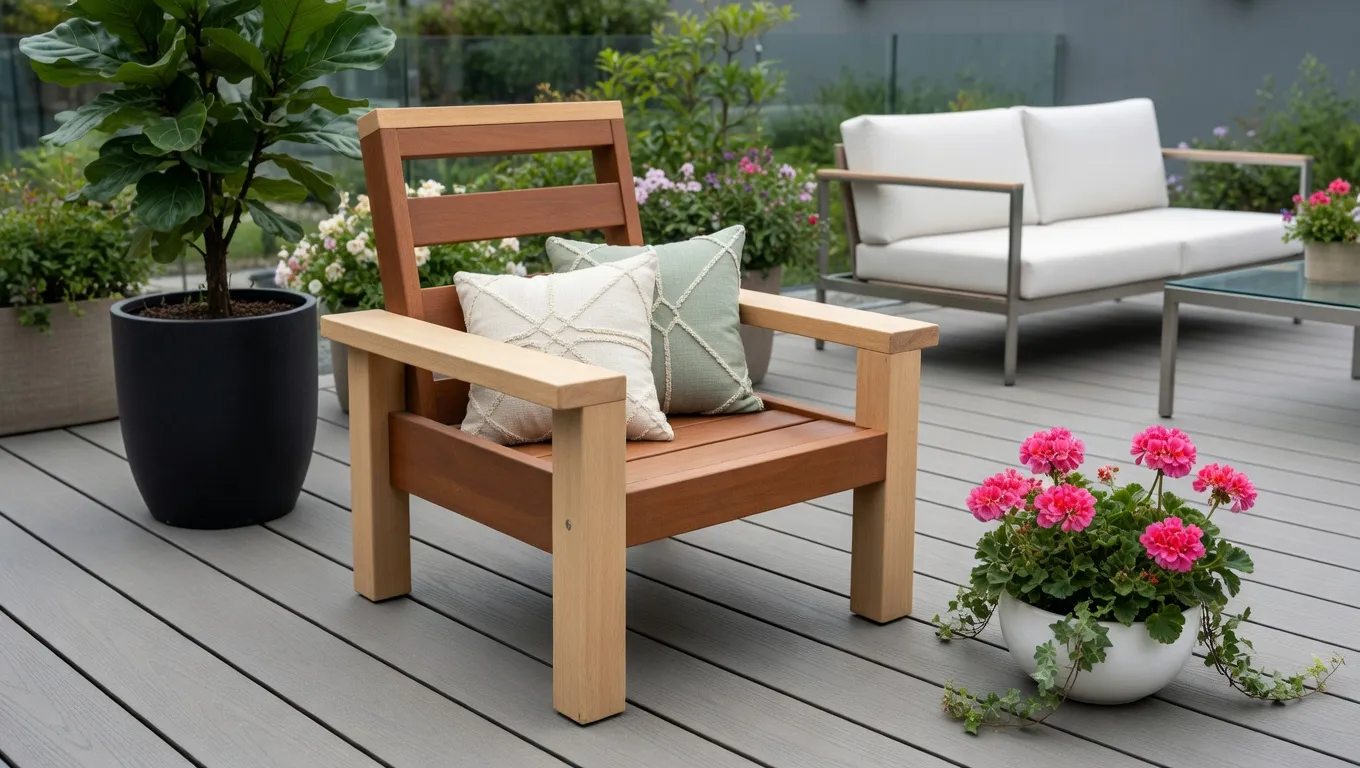
You see the chair, the cabinet, the drawer — assembled, in the material you’ll actually use. The fingers, dados, and laps are already in the model. Change a dimension and they follow. Then the sheet is ready: parts packed, files for the CNC, laser, or saw you already own. That’s the job most people never attempt. Not because the machine can’t cut it. Because the joinery is a second project.
Stop making signs. Start making stuff you’d actually keep.
GCrafter isn’t trying to be every kind of CAD tool — and that’s the point. It helps you move from simple boxes to more capable assemblies, faster, with less friction and a much shorter learning curve.
Where it sits
People ask for one program. These are different jobs.
| If the job is… | Use | GCrafter’s role |
|---|---|---|
| Model anything: mechanics, organic shapes, a full assembly that isn’t sheet goods | Fusion, Onshape, FreeCAD | Not this. Keep the sledgehammer. |
| Draw flat art, signs, inlays | Inkscape, Easel, LightBurn | Not this. |
| Toolpaths and machine control | LightBurn, MillMage, Carbide Create, Vectric, Easel | After. GCrafter exports into these. |
| A chair, cabinet, drawer, or fixture from sheet goods, with joints that update when the size changes | GCrafter | This. Design the object. Export the parts. |
Fusion can still model the car. GCrafter is the ball-peen for sheet assemblies: one job, clean hit, no weekend of rebuilding joints.
Explore the Features
Everything in GCrafter is built to make the jump from 3D design to 2D production faster, clearer, and less frustrating.
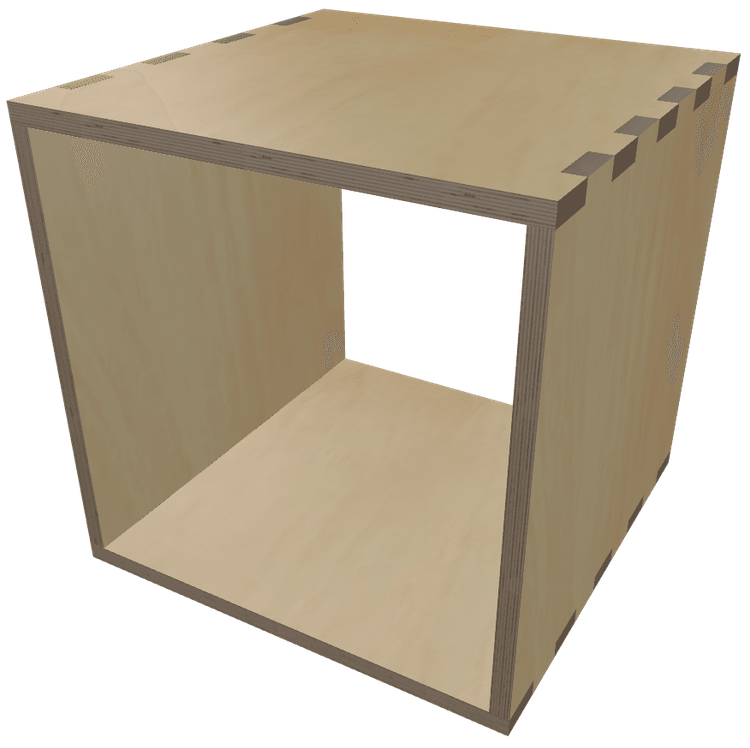
Create a box—your way.
Adjust the dimensions. Toggle parts on or off. Don’t need a front? Prefer it open in the back? Just disable those panels and build exactly what you need.
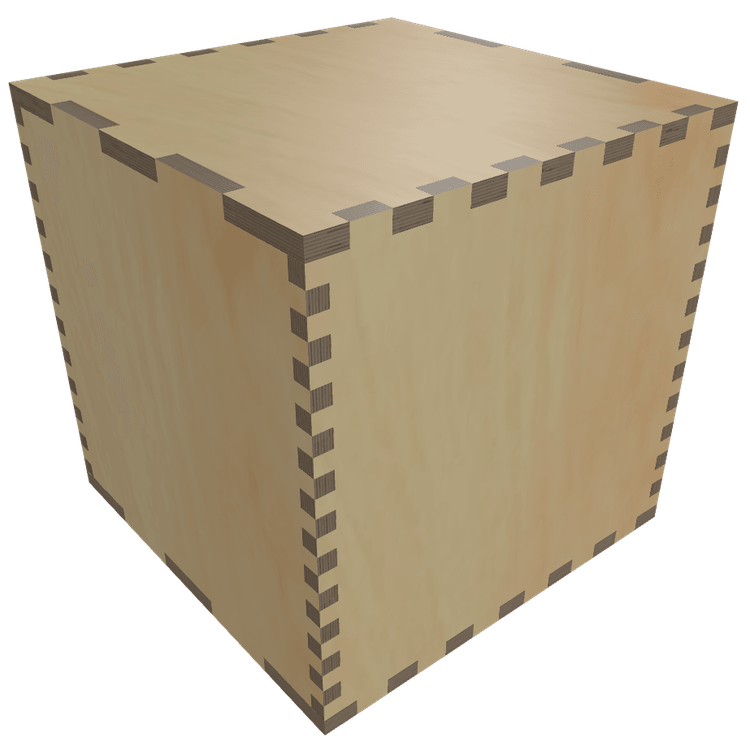
Finger Sizing
Finger/box joints can be a pain, but GCrafter makes them a joy—really. Instead of locking you into one-size-fits-all fingers like most tools do, you get to tweak them independently for width, height, and length. You can even make them zero to create dados rather than finger joints. It’s like giving your box a custom manicure.
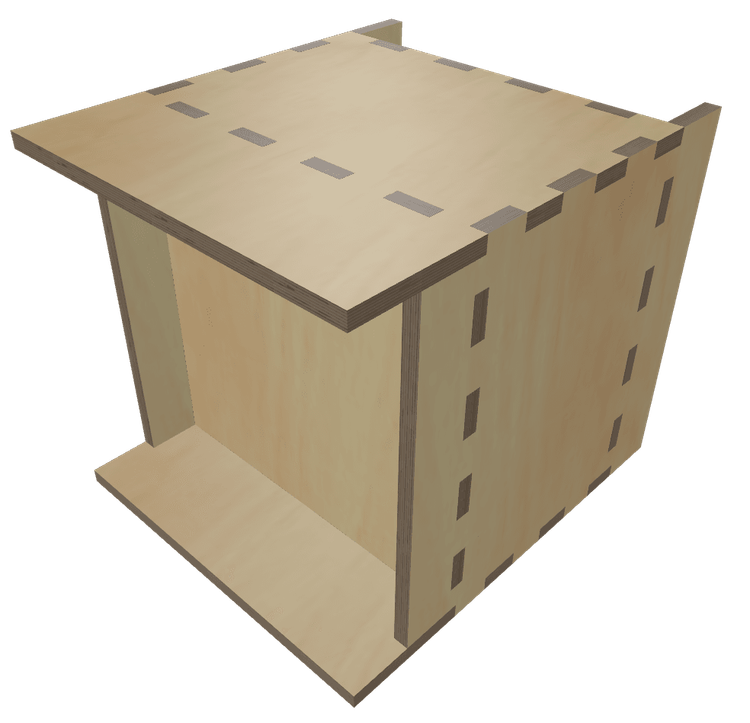
Part Positioning
Want to break out of the boring box? GCrafter lets you nudge, slide, and shift parts like the bottom, back, or sides so your design stands out. Move the bottom up, pull the back in, slide the sides forward—your box, your rules, your signature look.
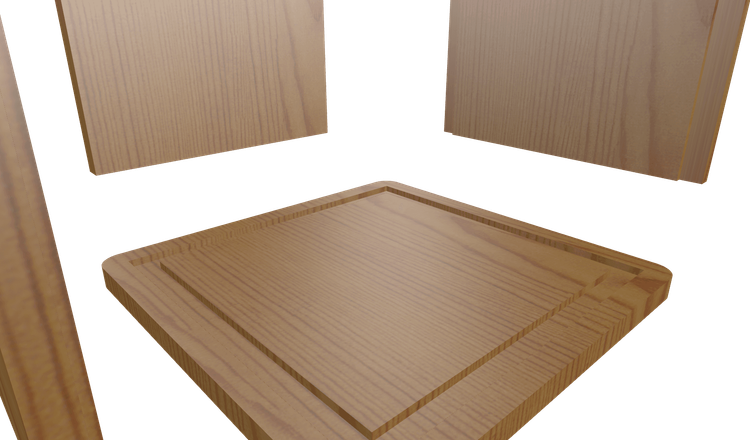
Pockets
Because you can move all the parts of your box independently (up, down, left, right, forward, and backwards) you can create shallow areas where the fingers settle inside, rather than poking through. A finger joint, gets hidden. A butt joint becomes a dado. It's the small details that add up to something way out of the oridiary.
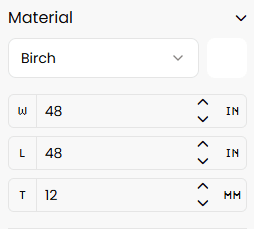
Material Size
No matter your machine—12"x16, 30"x30", 2x4, 4x4, 4x8, or even a beastly 5x10—GCrafter's got your back. It automatically lays out your parts to fit the sheet size you're working with, so you can focus on cutting wood, not corners.
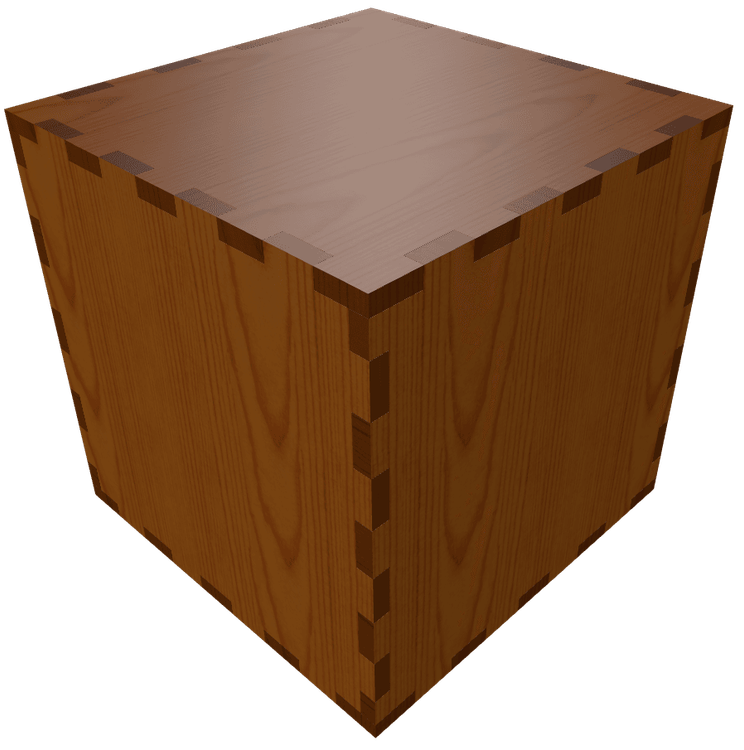
Material Preview
See it in the wood you’ll actually use. Swap Baltic birch, walnut, cherry, carbon fiber. End grain included. Add stains, paint. This is the piece, not a gray CAD mass.
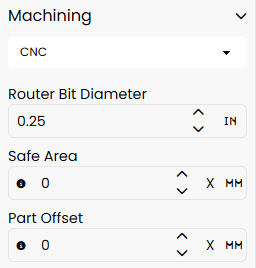
Machine Settings
Whether you’re using a CNC router, laser cutter or old schooling with a table saw and a router, GCrafter speaks your language. Flip on dogbones for snug CNC fits, dial in beam tolerance for crispy laser cuts ajust kerf with for your favorite table saw blade—it’s all built in. Got different machines for different parts? No problem. Mix, match, and output each one with the settings it needs.
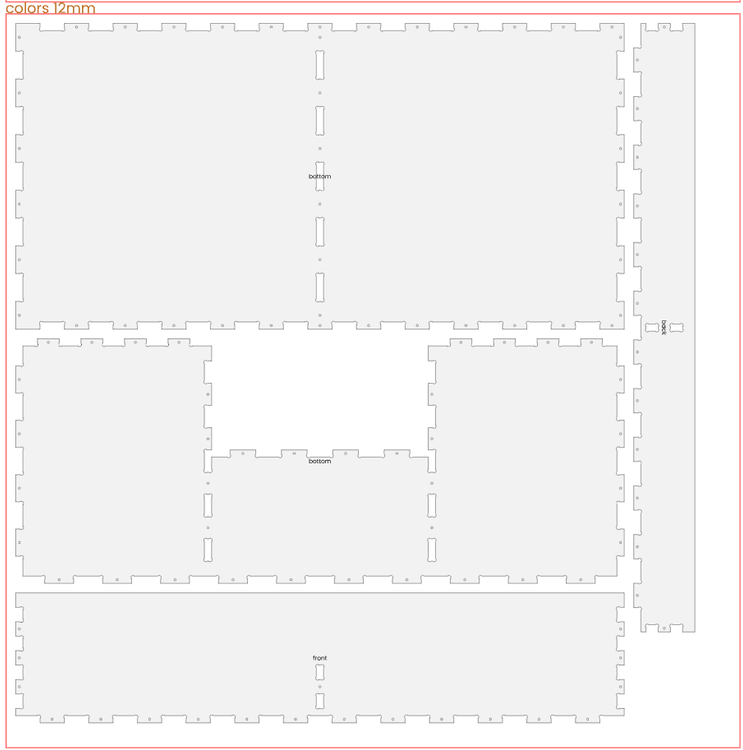
Smart, Packed, Layouts
Why waste space? Our Multipacker is a box-packing genius—it squeezes the rectangles from your project onto sheets like Tetris on caffeine, leaving you with less scrap, more savings, and zero headache.
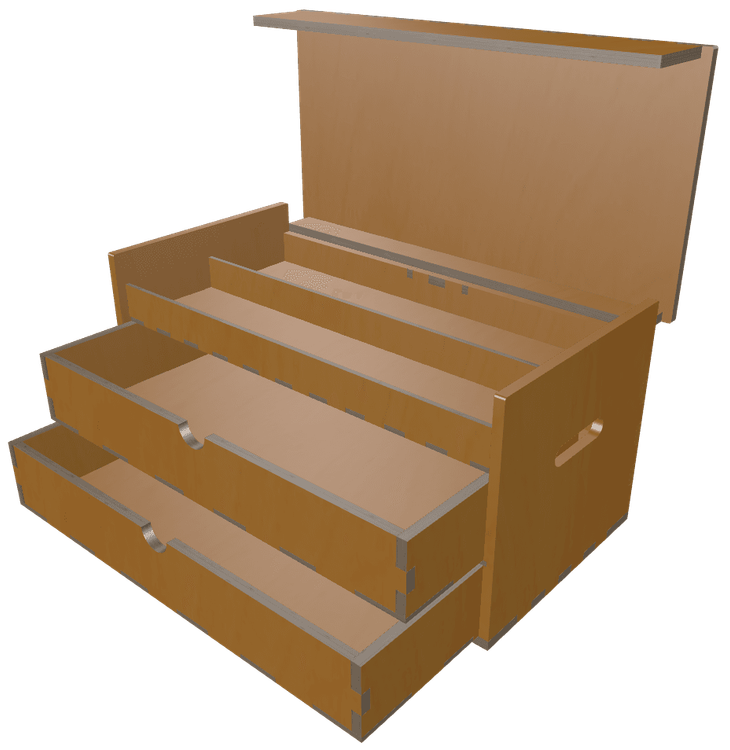
Animated Openings
Bring your designs to life! Rotate individual parts or group elements for coordinated movement. Create complex structures beyond simple boxes—then watch them open, transform, and move with fluid animation.
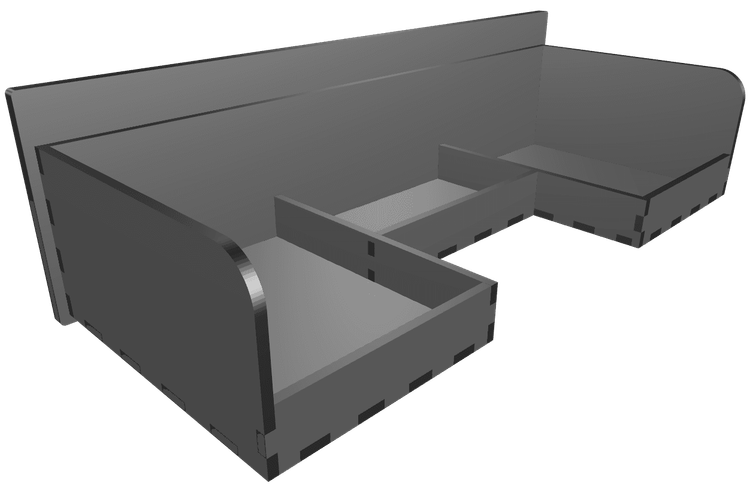
Custom Part Sizing
With GCrafter Free, you get six parts, sized to the over all project dimension. With Pro, that limitation disappears. Customize the width, height, and thickness, along with whole host of other settings that only a part, waiting to become something more, can apprecitate.
PartLab
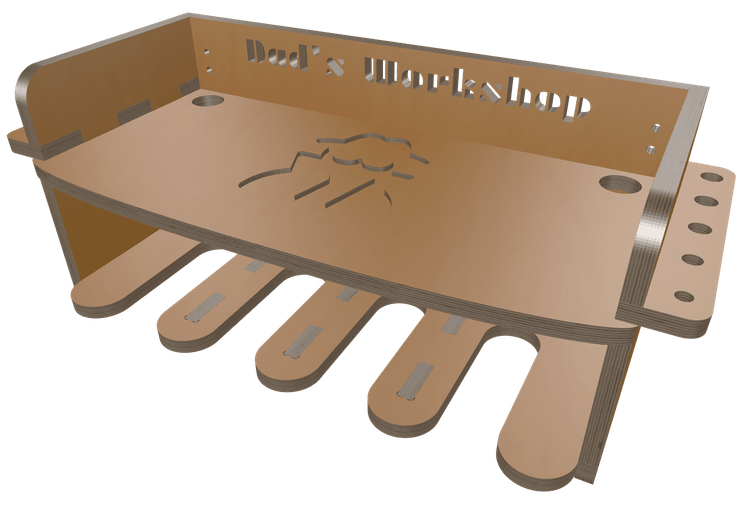
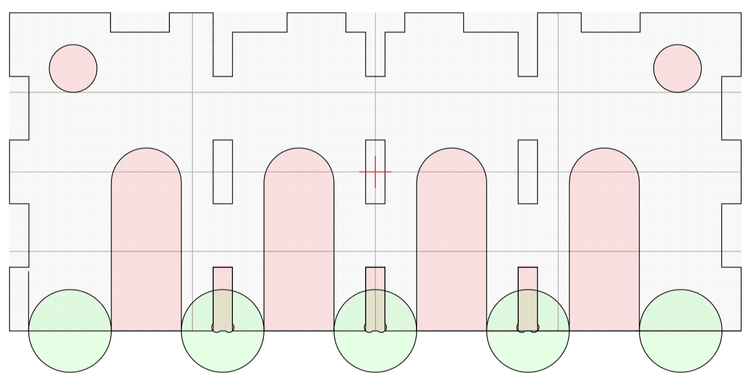
ParLab is where a square part becomes whatever shape you want that part to be. Need a triangle or an octogon? A curved leg or a pocket to inset a hinge? Or easily upload your own SVG artwork to transform it into unique cutouts or pockets, taking your designs far beyond the ordinary. Let your projects show off your one-of-a-kind style!
Add or Duplicate Parts
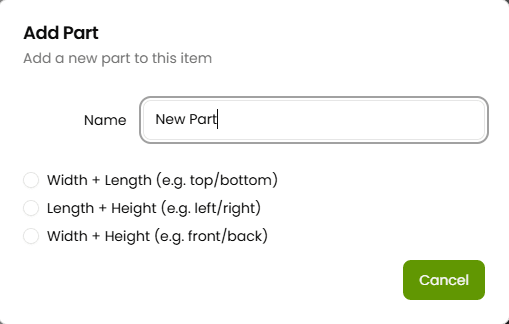
Who said a box has to stop at six sides? With GCrafter, you can toss that rule out the window. Add internal walls, exterior shells, extra supports, or dividers—whatever your project calls for. If you can dream it, you can duplicate it, remix it, and make it yours.
Edge Modification
With GCrafter, you can extend or shrink one or more edges of any part. Extending an edge makes an overhang. Shrinking an edge, can create anything from an opening at just the right spot, to a pocket or rabbet cut. A little push here, a subtle pull there—and suddenly, it’s not just a box, it’s furniture.
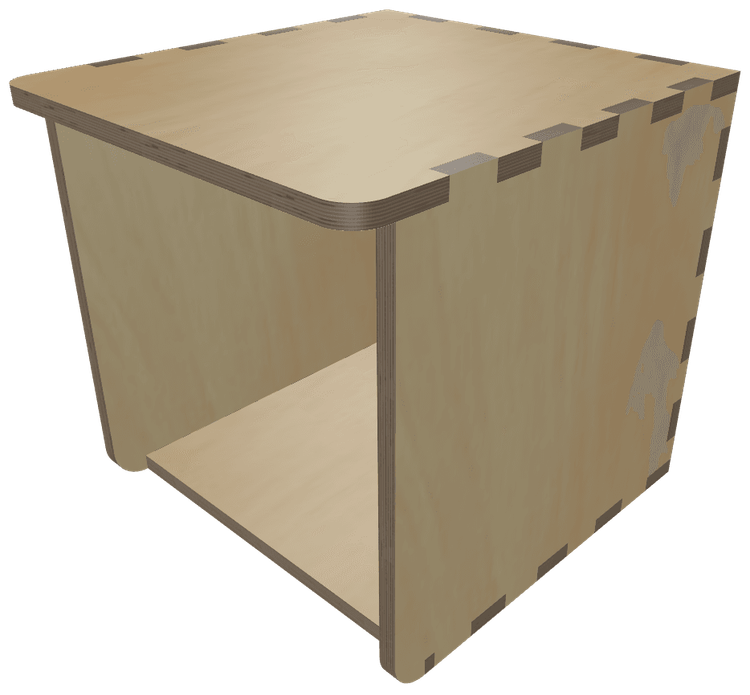
Corner Radius
Corner radius... on a box? Absolutely. When you pair it with edge modifications, you’re suddenly sculpting instead of stacking. Add a curve here, smooth an edge there, and bam—your “box” becomes a bold, modern form that feels as good as it looks. It’s not just smooth—it’s slick.
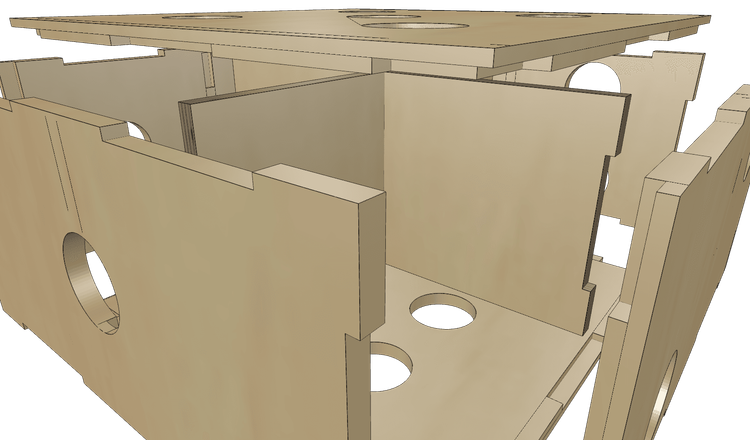
Advanced Joinery
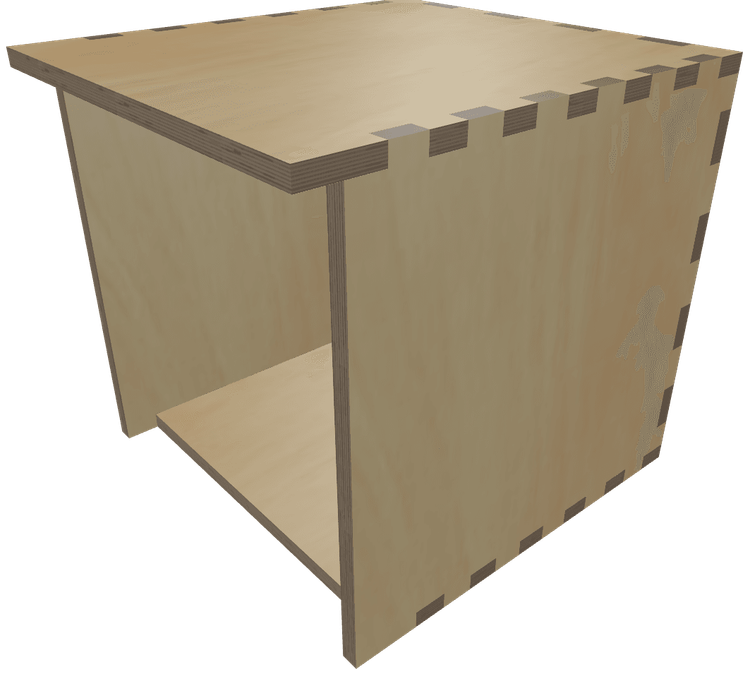
Take your joinery to the next level; right down to the part Level. Finger sizing, Dados, Half-Laps, Rabbets, Double Rabbets, and Mitres. Puzzle-piece parts together, to save wood, or make things bigger than your machine. Flip finger orientations (from in to out) to get just the fit you are looking for. Mix and match fingers and you can checkbox your way to a cubed masterpieces. Or, just pull in an edge a touch and GCrafter will set up all the pockets for you easy peasy.
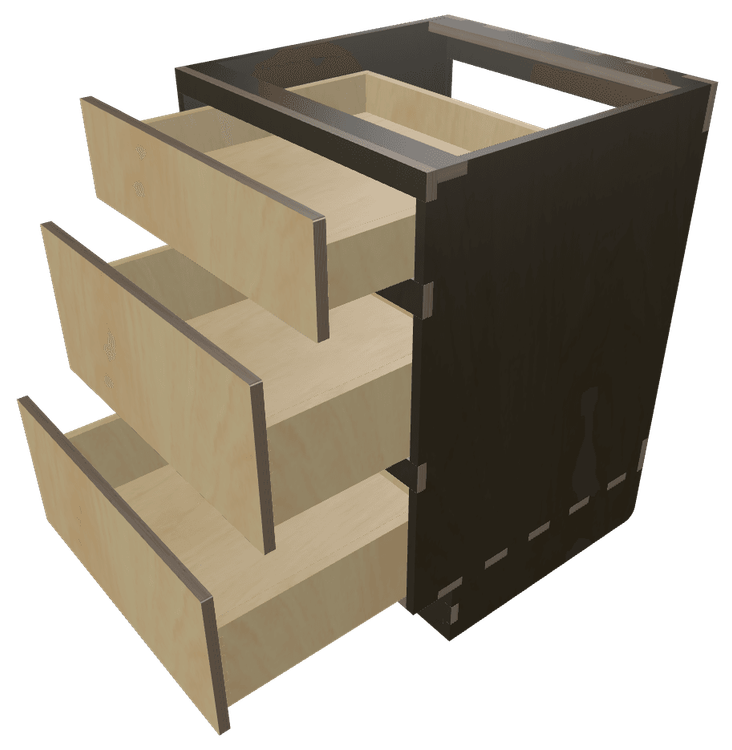
Multi-Box Boxes
Why stop at just one box when you can go full inception? gCrafter lets you build boxes within boxes—drawers inside cases, compartments inside drawers, all perfectly aligned and ready to slide, snap, and satisfy. Visualize the full setup, test the fit, and bring your storage dreams to life like a nesting-doll wizard with a CNC.
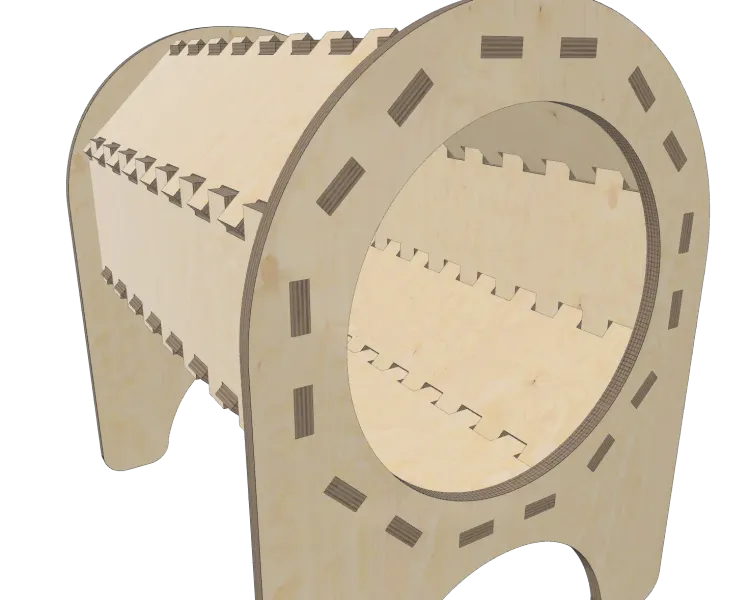
Part Rotation
Because apparently doing finger/
Rotating box joints: who does that?
Answer: you do now. And honestly, we respect the chaos.
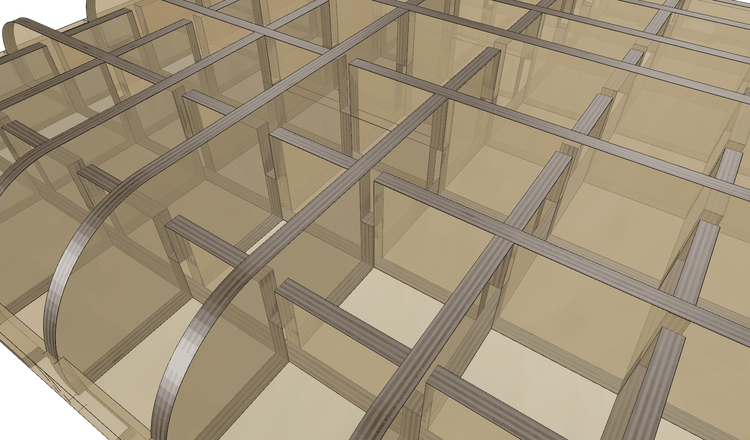
Slots & Dividers for Assembly
Assembly headaches? Not on GCrafter's watch. When two parts threaten to collide mid-build, slots come to the rescue—extending finger joints just enough to make everything slide into place like it was meant to. It's the little detail that makes the big difference between almost works and clicks together perfectly
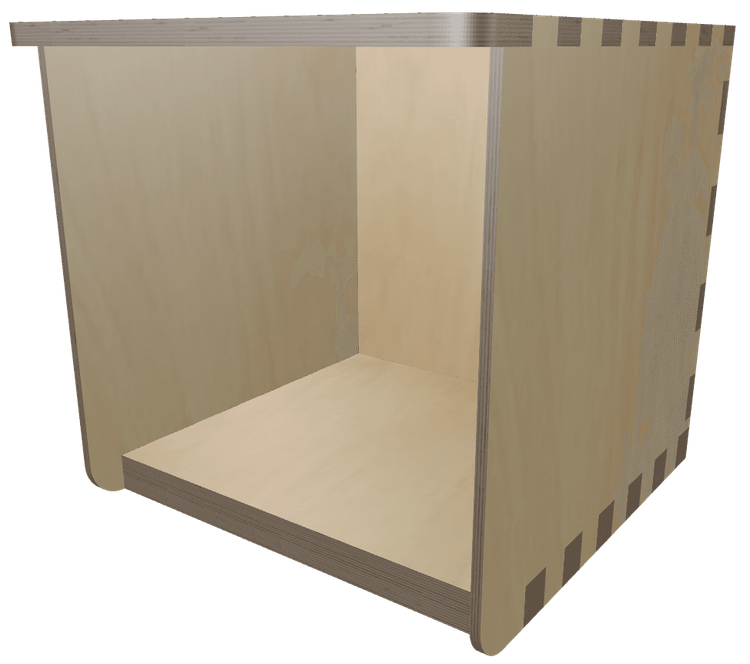
Thickness By Part
Different parts, different thicknesses, no problem. GCrafter lets you mix materials like a pro—6mm back, 18mm bottom, 12mm front? Go wild. CAD makes that a headache; we make it a checkbox.
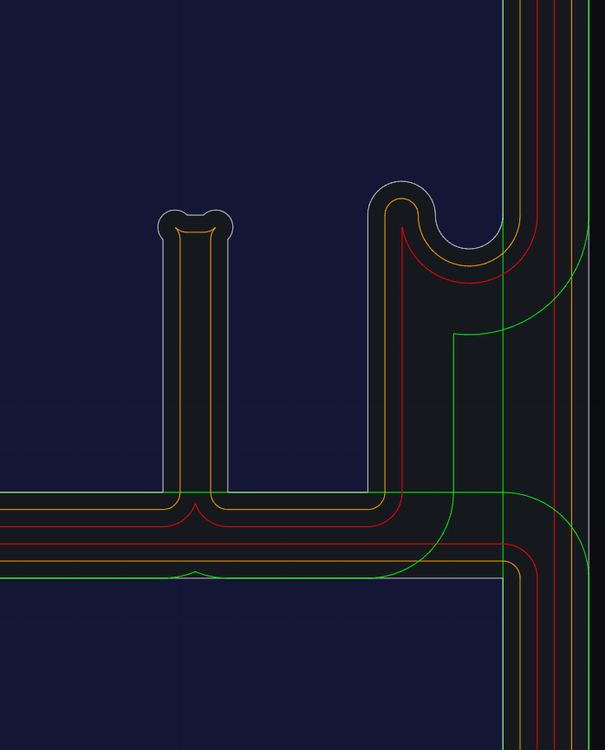
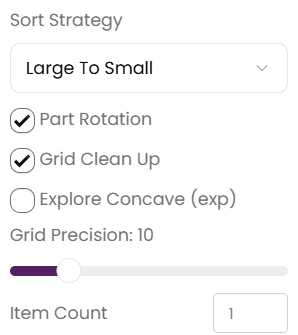
Advanced Layout (beta)
Push the limits of what will fit on your sheet. With "Advanced Layout ", you can adjust the number of items you would like to make. And with the new layout tools, you can rotate, align, and move parts (even to to another sheet). Colored outlines show safe areas vs cut areas. No more oops, that part was perfect until the router cut into it cutting another part.
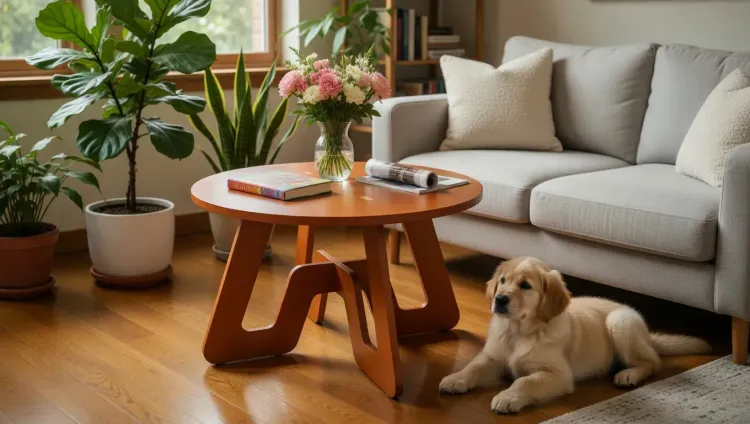
PhotoStudio
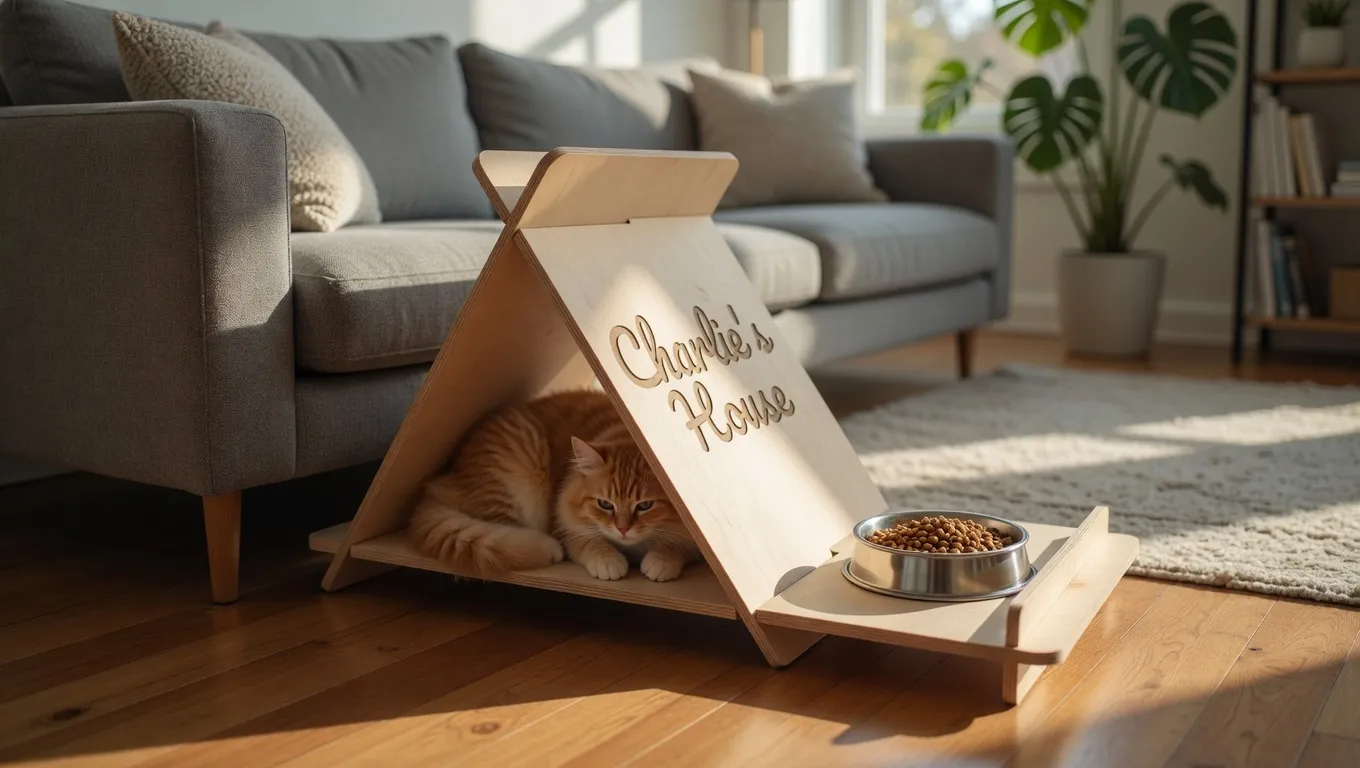
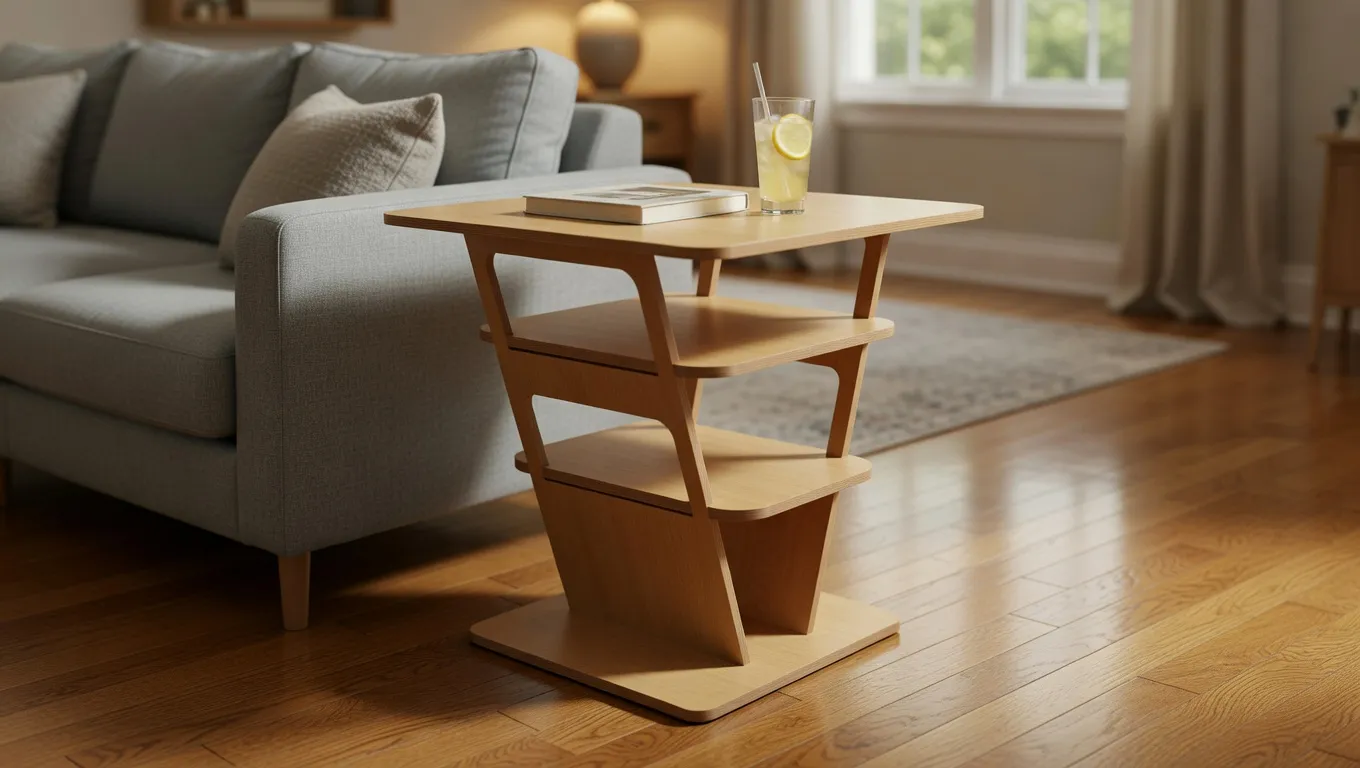
Take your designs next level with AI image generation right inside Gcrafter. Snap a screenshot, come up with a prompt, or use the prompt builder and suddenly that coffee table is right in a living room. Check out the image gallery, to see what kinds of images you can create.
*Image generation costs $0.05, $0.15 or $0.20 each, depending on resolution and AI model.
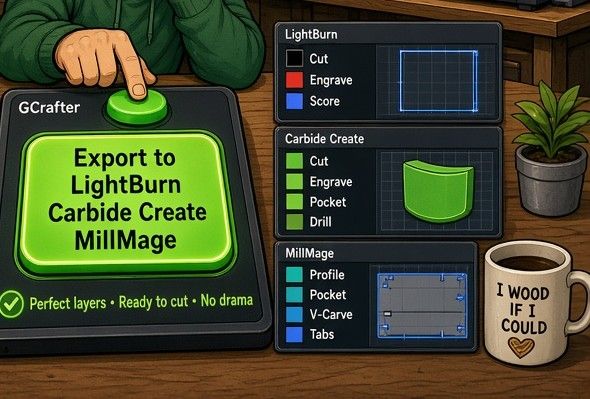
Export to the Software You Use
GCrafter Pro exports to LightBurn, MillMage, and Carbide Create; Layers, Tabs, and ToolPaths/Cutpaths included. Change the design, export again. Put an end to the SVG export / import song and dance.
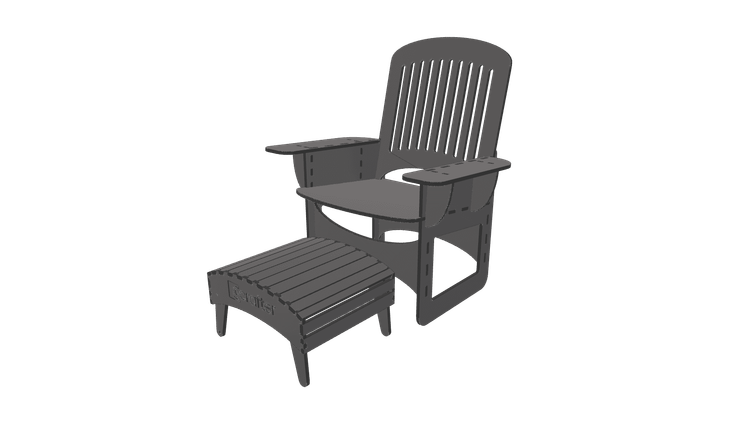
3D Export
I know lots of you makers didn't stop at one machine. Got a 3D printer sitting in your workshop in need of a mission? With GCrafter pro you can export 3MF, GLTF, OBJ, or STL files. Import them into your slicer, scale them to fit the bed, and find out if you like your design in cheap plastic before cutting expensive wood.
30 Day Money Back Guarantee
Try GCrafter risk-free. If you're not completely satisfied with how it transforms your workflow—from concept to cut—we'll refund your subscription in full, no questions asked.
Full Refund
Every penny back if it's not right for you
30 Days
Plenty of time to design, cut, and iterate
No Hassle
One email. No explanations needed.
We're confident you'll find value in GCrafter. But if you don't, that's okay. We want you to be sure before you commit.
Design Complex Projects More Easily — and Get to Cutting Faster
Choose the plan that fits your workflow and start building today.