

New Feature Fridays: MillMage export, V-carve in PartLab, and half-laps
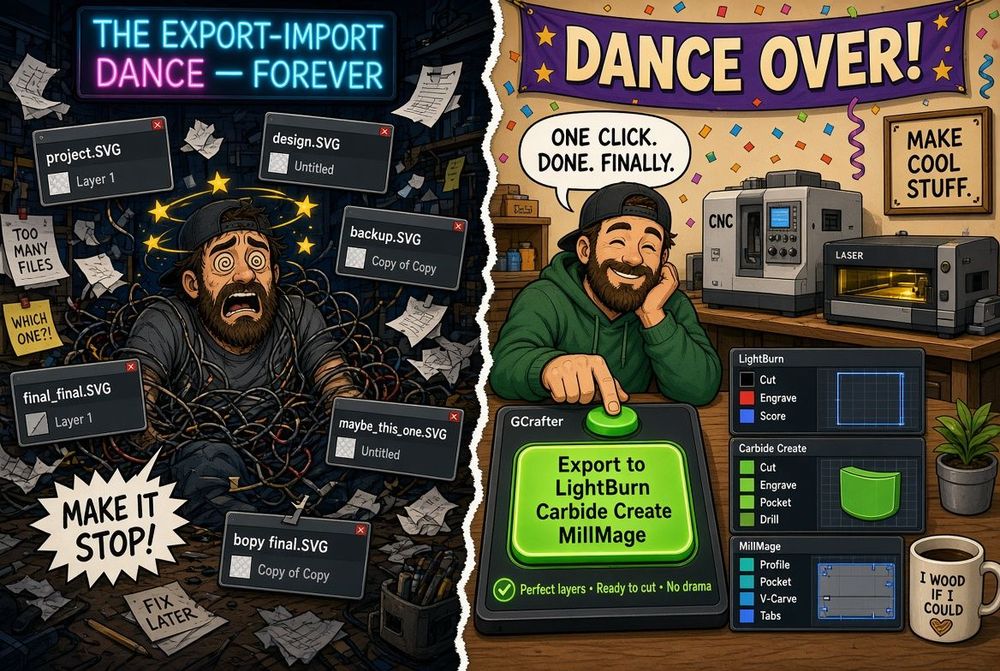
About a month ago we shipped native export for Carbide Create and LightBurn. There’s a new kid on the block that looks genuinely promising: MillMage.
Why MillMage even matters
Look at what it costs to get into the usual CAM stack:
| Tool | Price |
|---|---|
| Vectric Spark (Mac only) | $200 |
| Vectric Cut2D | $449 |
| Vectric VCarve Pro | $699 |
| Carveco Maker | $17.50/mo or $180/yr |
| Carveco Maker+ | $50/mo or $540/yr |
| Easel | $216/yr or $599 for 3 years |
| Carbide Create Pro | $120/yr or $360 once |
| MillMage Basic | $99 once + $40/yr after year one if you want updates |
| MillMage Pro | $199 once + $40/yr after year one if you want updates |
And it talks to the machine. That’s the part that made me sit up.
Drawing tools are simple. The UI is a little busy. You also get features the expensive seats still haven’t bothered with. From a developer’s chair: the file is XML. Exporting it is not a religious experience.
MillMage export
GCrafter now writes a native .mage file.
Layers. Starter toolpaths. Tabs.
Change the design, export again, keep cutting. I’m betting MillMage becomes the default for a lot of shops that want toolpaths and control without a second mortgage.
V-carve in PartLab (and in the exports)
PartLab actions now include V-carve.
In the 3D view it still looks like a pocket for now. In SVG, Carbide Create, and MillMage, those features land on their own layers. Carbide and MillMage get actual V-carve toolpaths.
Will everybody use it? Maybe not. The job is still the same: less friction between the thing in your head and the thing on the bench.
Half-lap joints
I was staring at a joinery chart and half-laps jumped off the page as “this is just CNC.”
They only work between similar, in-line parts. Under the hood a half-lap is a polite pocket: each piece takes half the intersection depth. So GCrafter treats it like that. No new religion. Just another joint that updates when the design moves.
Behind the scenes
First real build video is up:
CDX, weeks of fill and sand, eight screws, then a beer. If you want more of these, tell me what to build next.
Fixes and UI
- A pile of PartLab fixes
- Much stricter checking on how fingers get created
- Mode-switch buttons live in one place now
- Duplicate and Delete part are on the main toolbar
- More UI hints
- Fullscreen
- Save and Export have better icons and sit top-left, where your hand already goes
Whirlwind summer in the shop. Hope a few of these make the path from model to sawdust shorter.
Happy making!
Andy