

New Feature Fridays: LightBurn and Carbide Create Export Updates
Last week, in a fit of inspiration, we hammered out export to LightBurn and Carbide Create. That was a good start. I can already see how much time it shaves off — especially in Carbide Create. It was also only the first step.
If you read the last post, you may remember two gaping holes:
- Toolpaths — cuts, contours, pockets, V-carve, and drill
- Auto tabs — honestly the single biggest pain point in Carbide Create for me
So how far did we get this week?
Tabs, auto or otherwise
Many moons ago, in the mid-days of GCrafter’s short life, I started a tab mechanism. It was clunky and unreliable. It was also enough of a springboard to push this phase through.
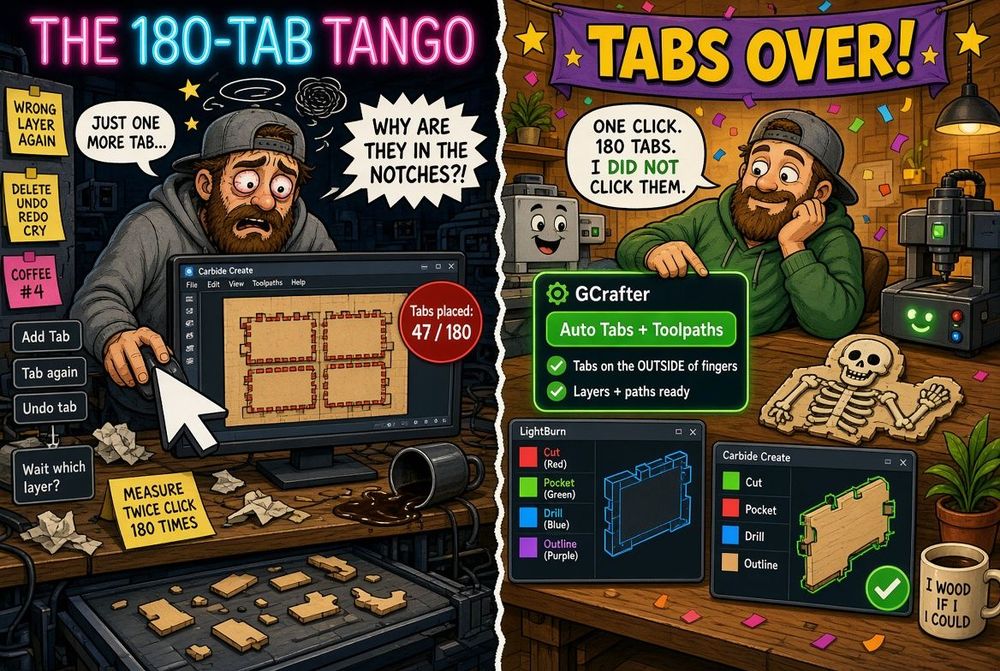
Doing tabs is “easy,” if you are willing to be lazy about it. Walk the path. Drop tabs at equal spacing. Done. Move on with life. That is also how most auto-tab systems work, and it puts tabs where you would not actually want them.
A lot of GCrafter shapes have fingers. You want tabs on the outside of those fingers, not in the notches. Easier to cut out. Better leftover skeleton. The sheet holds together like it meant to.
I scratched my head for a couple of days, then it clicked: use convex and concave hulls against the original path, and only walk the segments that sit on the true outside of the shape. Techno-speak. Yes. I know. Translation: tabs land on the outside, not in the junk drawers of the profile.
LightBurn and Carbide exports now have auto tabs. Not finished forever. Finished for now. Someday I want to drag those tabs around, or invent a grid that locks a whole sheet together no matter how many parts you punch out of it. That is a later problem. Today’s problem was 180 clicks.
Toolpaths for Carbide Create
I shot myself in the foot on this one.
A while back I decided you should be able to set router diameter not only on the sheet — dogbones, safe area, part offsets — but on the part. Then PartLab showed up, and pockets and drills (and soon V-carve) each got their own diameter too. The right call. Also a combinatorial crime scene.
After a few days of head-meets-desk, I have an interim version. We do not yet generate toolpaths for every outlier permutation. In the normal case you get toolpaths you can modify, duplicate, and point at the bit you actually own, grouped in a way that matches the layers we already care about.
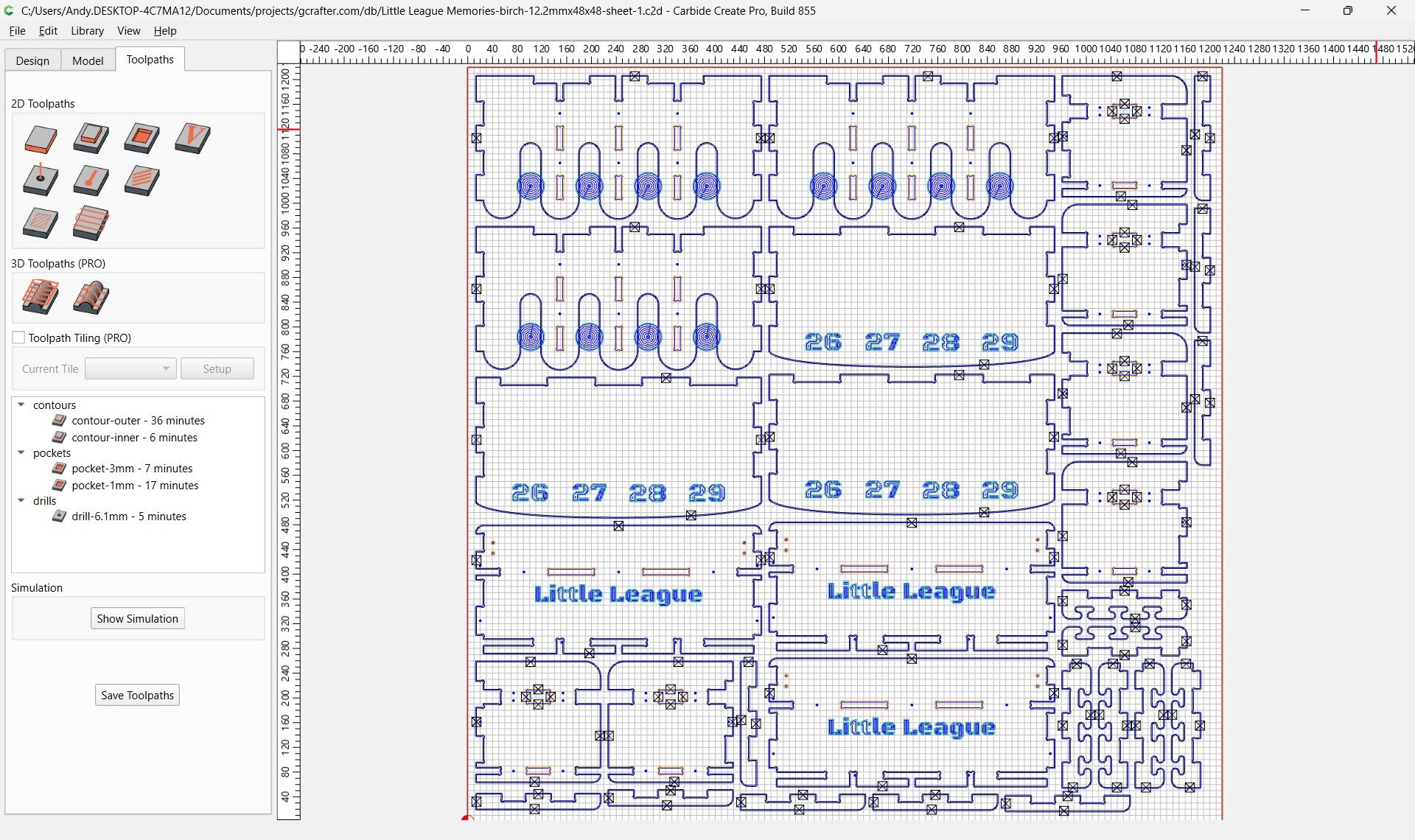
180 tabs I did not click
Layers, auto tabs, and toolpaths — even at about 90% — will save you hours.
Earlier this week, in the pre-auto-tab era, I exported a file to Carbide, opened it, and realized I would have to add 180 tabs so the whole sheet did not fall apart. That sucked. Change one thing in GCrafter? Export again. Place 180 tabs again. I have a project that spans 12 sheets with a lot of parts on each one. I am choosing not to do that math.
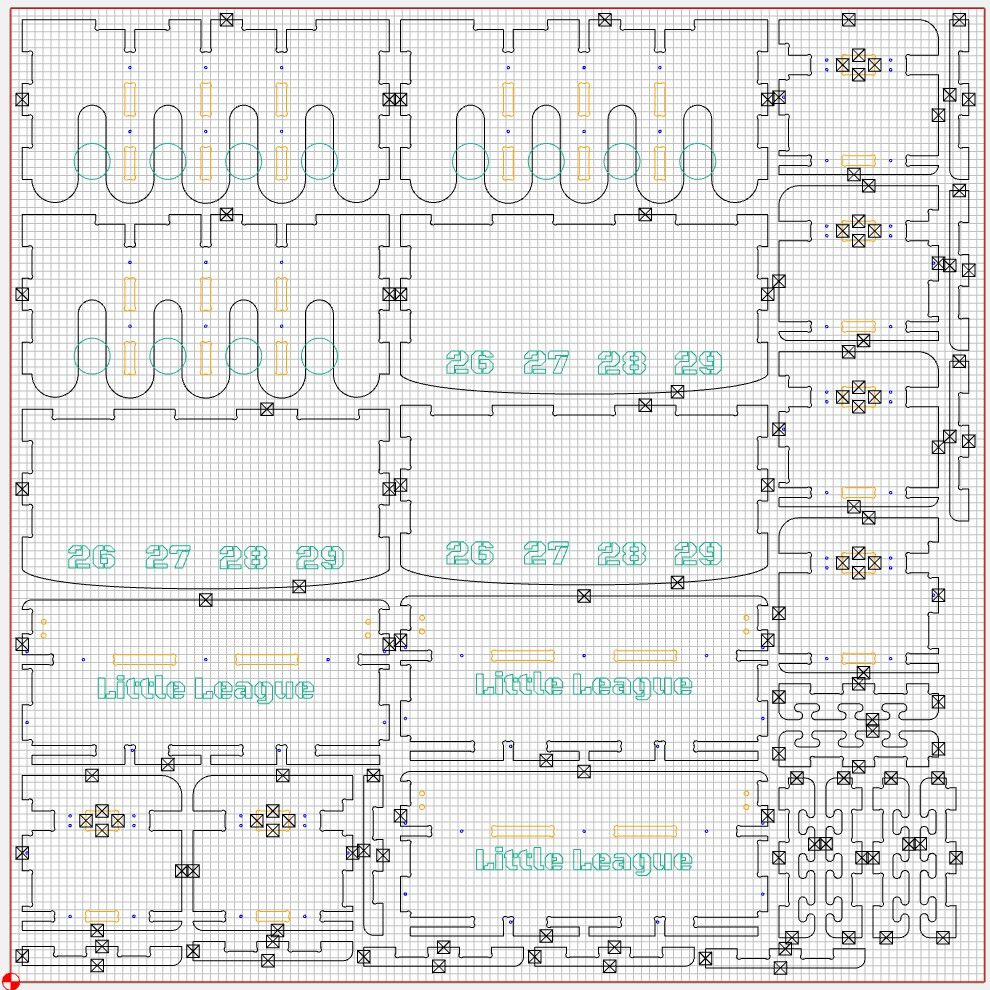
I am very happy I never have to click those tabs again.
The design Saturday, cut Saturday, finish Saturday promise
I started GCrafter because I wanted to build real things and take the pain out of the software, CAD and CAM. We are getting there.
If the table has to exist before people come over for drinks on Sunday, I am pretty sure GCrafter can keep that promise.
Still to come: legit tool selection
While all of that was happening in the foreground, I have been lining up the next phase: G-code. Yes. GCrafter → G-code. That is still a ways off. That is where the rubber meets the CNC.
On the way there: smart tool selection from catalogs people actually buy from — IDC Woodcraft, Jenny Bits, Bits & Bits, SpeTool, CIC Workshop.
A sneak peek:
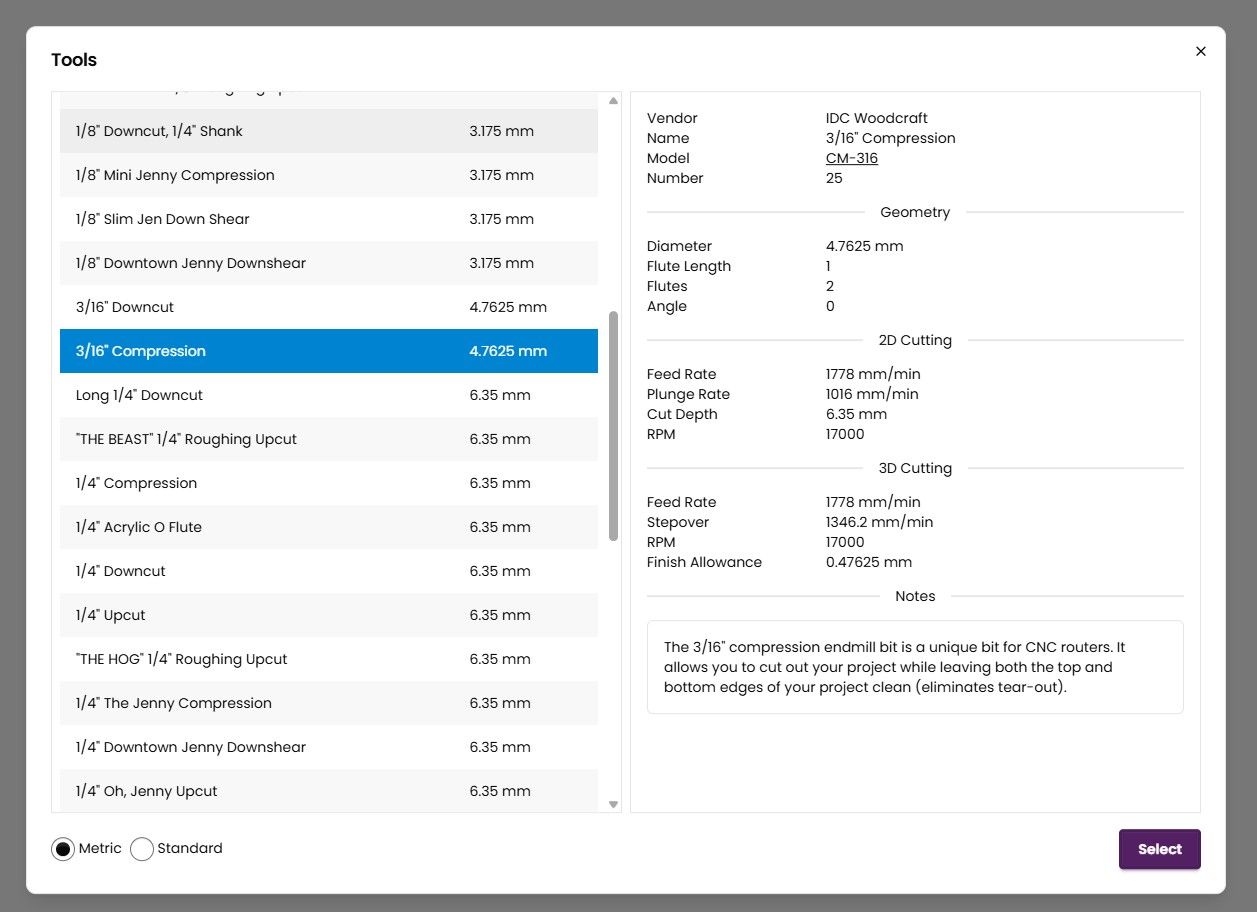
Rough passes + finish passes + tool by part + tool by pocket
I am slightly freaking myself out by writing that sentence. I want these things, so I am going to assume you do too.
Stay tuned. CAD for finger-joint, box-joint, dado, and butt-joint work is already a lot faster than it used to be. With these exports, and what is coming next, design and build in one weekend is not a slogan. It is the point.
Happy making,
Andy