

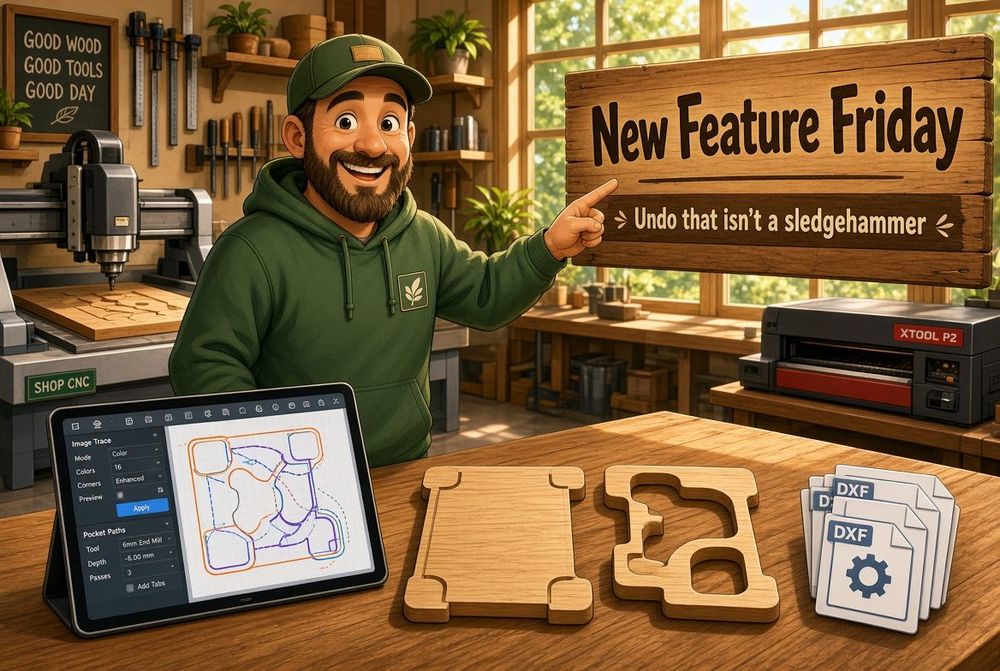
New Feature Friday: Undo That Isn't a Sledgehammer
Posted: November 6, 2026
Last week was rabbets and a Part Lab that will take a photo. This week is the stuff that used to make you hold your breath: undo, a trace that can see the sketch, and a pocket that meets the edge of the part without growing it.
Undo
Undo used to rebuild the whole project. Visibility, a pocket, a layout nudge. Same hammer. On a box with a few boolean operations that could take long enough to wonder if the tab had died.
It undoes the thing you just did.
The 3D view, Part Lab, and the sheet layout keep their own stacks. Moving a part on the sheet does not rewind the pocket you cut five minutes ago. In Part Lab, undo and redo belong to the part you are on, and the buttons disable when there is nothing left to undo.
Save still commits the paper work onto the part. Switch parts and you get asked, with the part's name, whether to keep those changes.
If you are in the 3D view and undo would change a part's components, you get asked first. Redo puts those components back.
Boolean work is still expensive. The point was to stop paying that cost for a toggle.
Image trace
Dropping in a picture already gave you paths. A phone shot of a sketch, a logo on a napkin, still can. What it did not give you was a way to make that photo readable.
Image Controls. Brightness, contrast, invert. Look at the photo or look at the trace. A grey pencil line on grey paper can actually become an outline.
The trace controls are still there: turd size, curves, posterize. They sit next to the image instead of pretending the photo arrived ready.
Pockets on the edge
A pocket that shares an edge with the part is a common cut. A handle opening that runs to the rim. A recess that should open out.
A dogbone on that corner used to enlarge the pocket, and sometimes the part with it. The relief ate the outline.
Those corners are T-bones now. The extra cut sits along the edge, outside the main path, so the bit can clear the inside corner without fattening the panel. Interior corners that are not on the rim still get a dogbone.
Quality of life
Preferred units in project preferences. Millimeters or inches for the file. Switch it and the grid comes with you, so you are not staring at a 10-inch grid in a millimeter project. Each field can still toggle on its own.
Dialogs. One component, sized on purpose, that actually closes when you close it. Confirmations resolve. Hover no longer steals focus. The tool picker, the tracer, copy-SVG, the project form, they all sit in the same window instead of a pile of slightly different modals.
Part Lab. Tools share one list of items, so a move is not fighting a stale selection. Snaps prefer the point that matters. A missing shape in the menu no longer blanks the row. The move tool survives a layer that is not there yet. Font chooser layout. A pile of smaller path and fillet fixes you should not have to think about.
If a release like this is useful, the next one lands next Friday.
Happy making.
Andy